วันอาทิตย์ที่ 11 สิงหาคม พ.ศ. 2556

10 projects on the future of Google

10 projects on the future of Google

Google X   สุดยอดโครงการในอนาคตของกูเกิล


As you know, Google - is not only a search engine: The company is a world leader in the creation of gadgets, internet services, and more. The most curious development team is engaged in a secret Google X, and among their projects -  here are 10 ideas that the Internet giant seeks to bring to life. 
googlefuture01 10 проектов будущего от Google
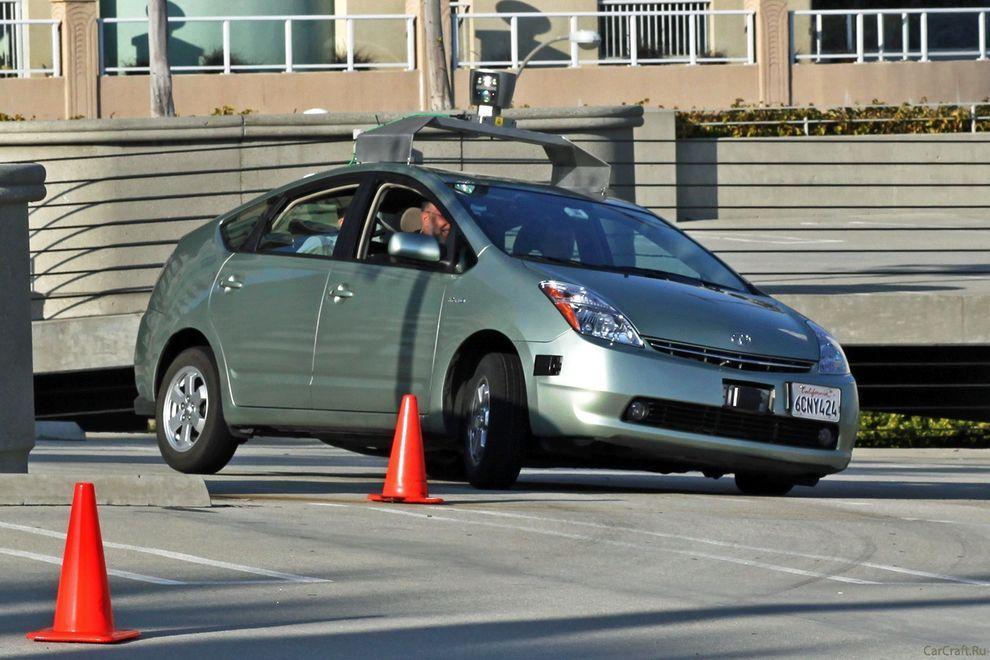
1. Car without a driver will make road traffic safer
Experts of Google X for several years working on the project Driverless Car Program. 
Negotiations are underway with the authorities for permission to test the self-governing vehicles on public roads - as long as this agreement only states of California and Nevada. 
A fleet of ten vehicles with test systems allow run over more than 480 thousand km (as of August of 2012), and of course, tests are continuing. However, it is unclear when such a system will be commercially available. 
googlefuture02 10 проектов будущего от Google
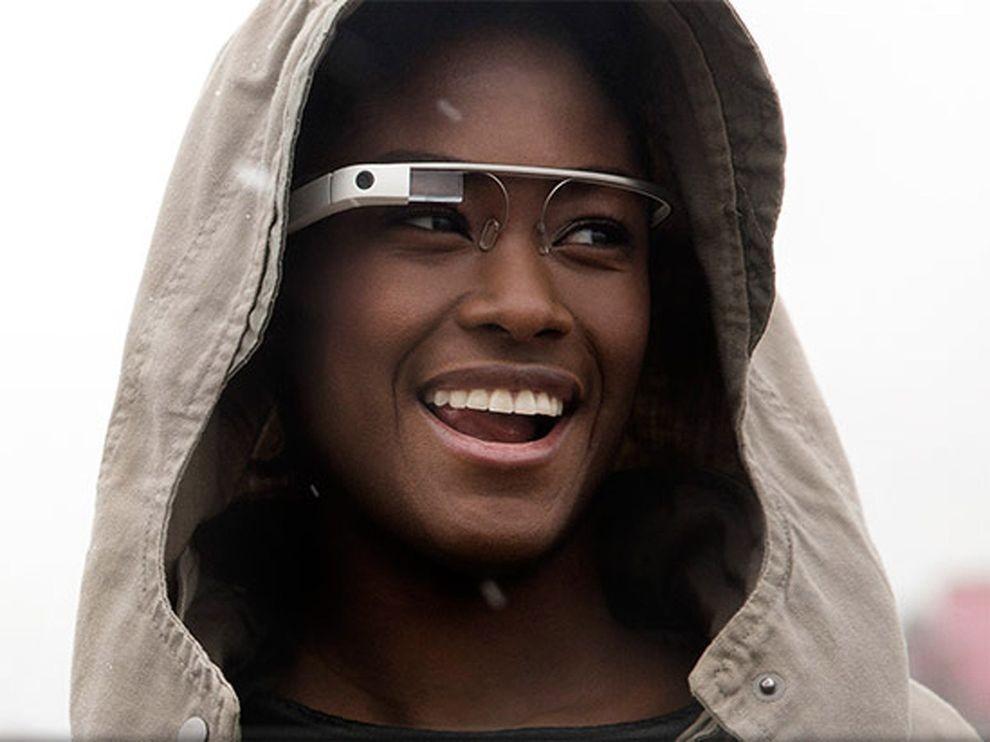
2. Google Glass will change the way you think about gadgets
Having put on those glasses, you can forget about the screens of smartphones and computers - the right information will always be available in only one eye movements. 
One way to look up - and before you calendar, email, social networks, weather, in general, everything that you want. 
Google Glass makes a revolutionary technology available to a wide range of people so far only a few lucky people, mostly developers and journalists were able to get a working prototype of points, but the consumers opportunity arises next year. 
googlefuture03 10 проектов будущего от Google
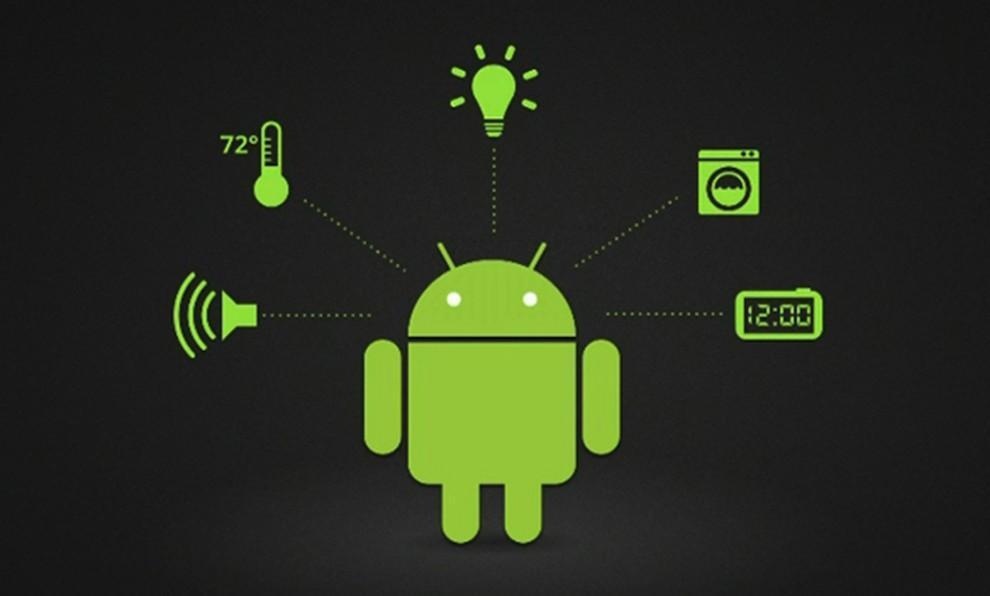
3. "Smart House" according to Google
The technology, called Android @ Home, will fully automate all of the life support system by connecting to the Internet, for example, while you are not home, a refrigerator will be able to order the necessary products itself, and coffee maker to make coffee exactly to your arrival. 
Android @ Home will connect all electrical appliances.
googlefuture04 10 проектов будущего от Google
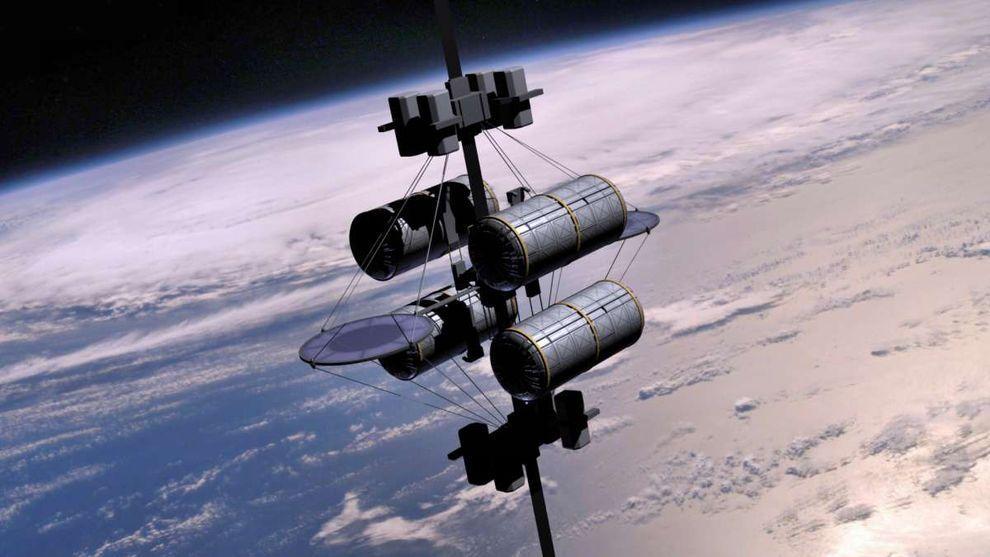
4. Space elevator
According to published in the journal «Time» information Google X team in 2011, the year included the idea of ​​a "space elevator" in the so-called list of "What if ...". I must say, the very concept of this method of delivery to the orbit of people and goods put forward by K. Tsiolkovsky in 1895, the year. 
Do not wait for Google's early implementation of this idea - the development of "lift into orbit," presents many technical challenges, and all the more likely to say that to implement this idea in life is impossible. However, it's probably Google thus "cover their tracks" to save the process of developing a secret.
googlefuture05 10 проектов будущего от Google
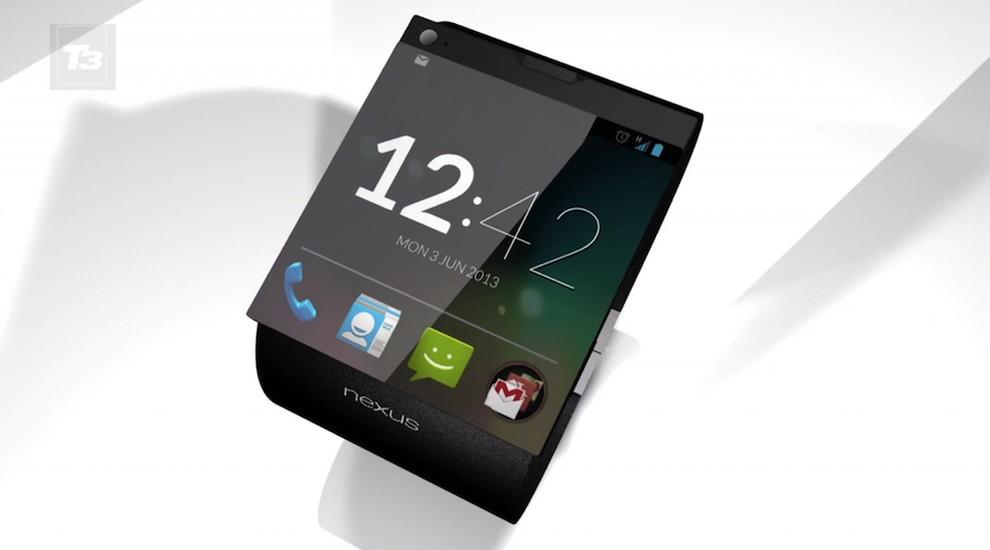
5. Watch a smartphone based on Android
Recently, it was reported that Google is preparing a direct competitor iWatch from Apple - a watch, combined with the smartphone: of course, watches SmartWatch smartphone from Google will use the operating system Android. 
This latest «must have»-new to the gadget lovers will be available early next year.
googlefuture06 10 проектов будущего от Google
6. Google will take care of your health
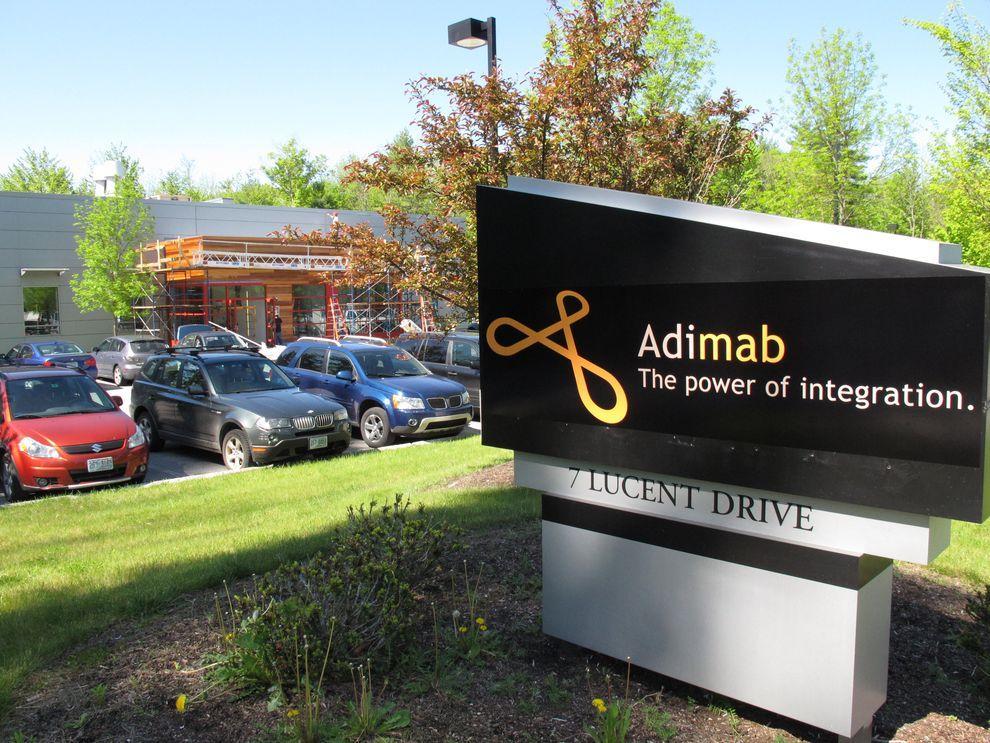
The Internet giant has a stake in the company Adimab, engaged in the development of diagnostics and treatment of various diseases, which would bring a variety of technologies and methods to combat diseases. The revolutionary idea is the invention of miniature sensors involved in the search and optimization of antibodies produced by the body - to start treatment only need to swallow such a sensor. 
Another development in the field of Google Health is a subsidiary of iPierian, creating the technology of "cellular reprogramming» (cellular reprogramming), which will fight the disease by modifying cells.
    
googlefuture07 10 проектов будущего от Google
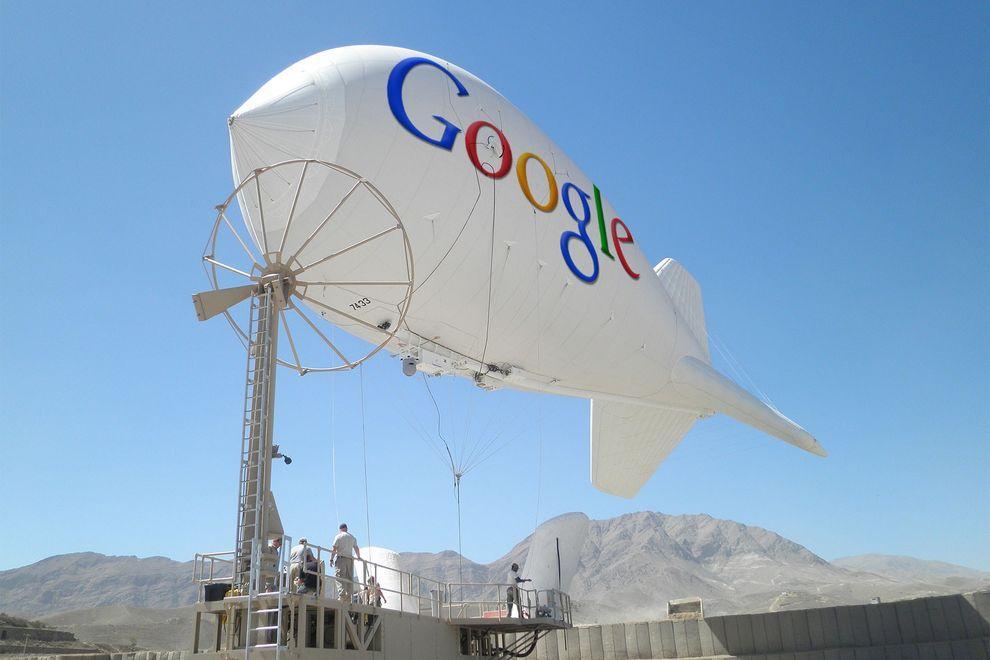
7. Internet airships cover the entire planet wireless
Google's ambitions as a provider of Internet reached all-time highs - the company is developing airships that will provide wireless connectivity the entire planet, including remote regions in Africa and other parts of the Earth. 
If the project is realized, the "world wide web" will get about another 1 billion people - mostly residents of the "third world."
 
googlefuture08 10 проектов будущего от Google
8. Game console based on Android
The popularity of the Android platform is growing all over the world, and Google is seeking to use its potential to the maximum. 
«Wall Street Journal» spoke about the development of the gaming console from Google, which is designed to be a "killer" similar technology "Yabloko» - Apple TV: game console from Google allows you to run any Android-games directly on your home television.
googlefuture09 10 проектов будущего от Google
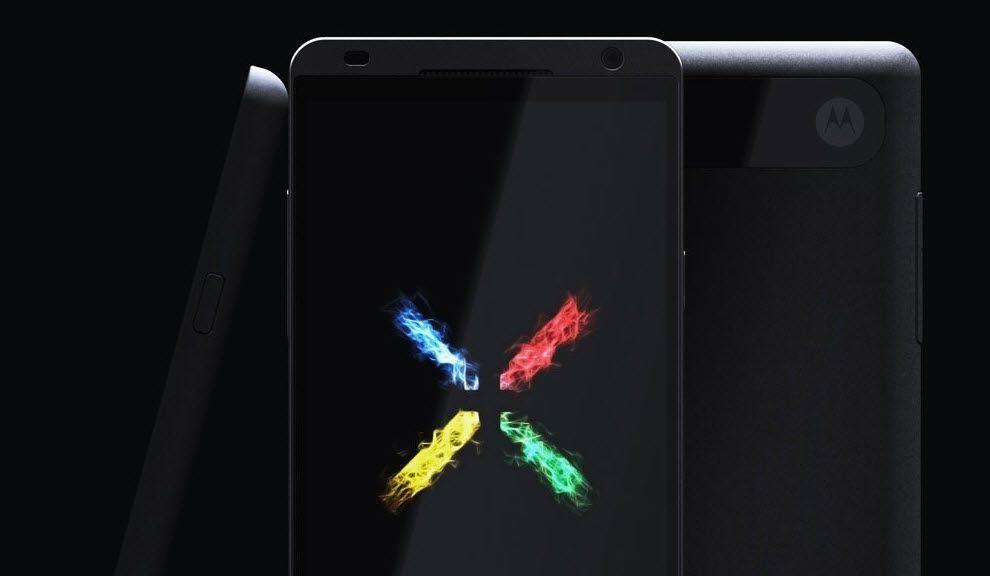
9. The way Google determines the development of smart phones Motorola
Buy Google of Motorola Mobility (transaction was $ 12.5 billion) to become the owner of the first allowed 24.5 thousand patents and designs. 
Under the wing of the Internet giant will release a smartphone Motorola Moto X based on Android, which has all the modern features and characteristics, as well as, of course, a number of trendy "chips", which has no rivals - release date already quite close.
 
googlefuture10 10 проектов будущего от Google
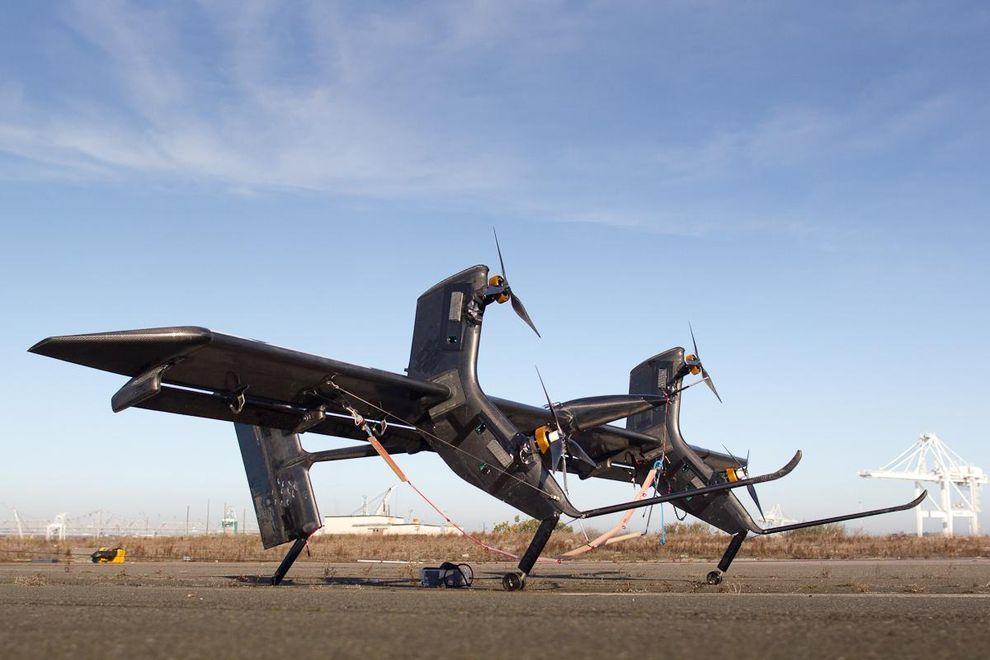
10. Eco-friendly sources of energy
The company Makani Power - developer of advanced technologies in the use of wind and solar energy: Google previously invested in the company a lot of money, and recently acquired in its entirety and included in the project, which deals with Google X. 
The best-known development Makani Power - wind turbines, hovering at an altitude of almost 300 m to 650 m-minute and allow to generate electricity out of thin air.

What/How About Our Home Network is?

What/How About Our Home Network is?

What/How About Our Home Network is?


I have known from students of my computer classes that the Internet connection at their homes is of TOT provider. Yes, my internet service provider (ISP) is TOT too. What/how is my home network?  The modem-router is the main device of the network because it plays many roles as of the followings : -
   1) to simulate itself like a server computer
   2) to act as a hub/switch of the wired connection
   3) to be an access point sending packets of the wireless connection
   4) to play as an ADSL modem connecting Internet
   5) to be a router managing the how-to connect to other devices
รูทราบจากนักเรียนหลายคนที่เรียนวิชาคอมพิวเตอร์กับครูว่า ที่บ้านของพวกเขามีการเชื่อมต่ออินเทอร์เน็ตผ่านผู้ให้บริการอินเทอร์เน็ต ทศท.(TOT) ซึ่งที่บ้านครูก็ใช้บริการของ ทศท.เหมือนกัน  แล้วระบบเครือข่ายที่บ้านเราจะเป็นแบบไหน?  อุปกรณ์หลักก็คือ โมเด็ม-เราเตอร์ (modem-router) ซึ่งอุปกรณ์นี้จะทำหน้าที่หลายบทบาทด้วยกัน คือ
   1) จำลองตัวเองเป็น server computer
   2) เป็น hub/switch ของการเชื่อมต่อแบบใช้สาย
   3) เป็น access point ทำหน้าที่ส่งแพ็คเก็ตส์ในระบบเครือข่ายไร้สาย
   4) เป็น ADSL modem เชื่อมต่อ Internet
   5) เป็น router บริหารจัดการเชื่อมต่อกับอุปกรณ์/คอมพิวเตอร์อื่นในเครือข่าย

Be sure, most our home network is hybrid. One is wired while another is  wireless. Although home network is not complex, but its system is so smart and its Internet connection is so clever with ADSL technology. The superstar is a "modem-router", the genius device.
โฮมเน็ตเวิร์กที่บ้านส่วนใหญ่เป็นไฮบริด คือ ผสมกันทั้งแบบมีสาย (wired) และแบบไร้สาย (wireless)  แม้ว่าระบบโฮมเน็ตเวิร์กอาจจะดูไม่ซับซ้อนอะไรมาก  แต่ระบบเครือข่ายนี้ก็ไม่ไช่ธรรมดา การเชื่อมต่ออินเทอร์เน็ตก็ทำได้ดีด้วยเทคโนโลยี ADSL และแน่นอนว่า อุปกรณ์อัจฉริยะของระบบก็คือ "modem-router" นั่นเอง
The composition of any home network 
(e.g. home internet connection of students)

     UTP :  Unshielded Twisted Pair cables are so common in any computer rooms  e.g. classroom102 of our school. The UTP cable is caped with a connector which is called RJ-45. The RJ-45 connector will be inserted into the LAN port of any Ethernet card/router/switch/hub. (The RJ-11 connector of the phone line is smaller than RJ-45).
สายเคเบิลแบบยูทีพี (UTP) หรือสายคู่บิดเกลียวไม่หุ้มฉนวน (Unshielded Twisted Pair cables) จะพบได้ทั่วๆ ไปในห้องคอมพิวเตอร์ อาทิ ห้องเรียนคอมพ์102 ในโรงเรียนของเรา  UTP จะถูกเข้าหัวด้วยหัวต่อ หรือคอนเน็กเตอร์ (Connector) ที่เรียกว่า RJ-45  ซึ่งหัวต่อนี้จะถูกเสียบไว้ที่ช่องเสียสายแลน หรือแลนพอร์ต (LAN port)   เราเตอร์ สวิตช์ หรือฮับ  (ขณะที่หัวต่อ RJ-11 ของสายสัญญาณโทรศัพท์จะมีลักษณะเหมือนกัน แต่มีขนาดเล็กกว่า) 

 What is about ADSL? (www.wikipedia.org) : It is "Asymmetric Digital Subscriber Line" technology. This is a data communications technology that enables faster data transmission over copper telephone lines than a conventional modem can provide.(Modem is a device that manages the joint communication between the phone and the computer.)
ADSL คืออะไร? (www.wikipedia.org สารนุกรมเสรี) อธิบายว่า "Asymmetric Digital SubscriberLine" technology.  เป็นเทคโนโลยีโทรคมนาคมที่ทำให้การส่งข้อมูลผ่านสายโทรศัพท์ที่ปกติจะเป็นสายทองแดงนั้น ทำได้ดีมีประสิทธิภาพมากกว่า การใช้โมเด็มธรรมดา (Modem เป็นอุปกรณ์ที่จะทำหน้าที่บริหารจัดการสัญญาณจากโทรศัพท์และสัญญาณจาคอมพิวเตอร์ให้มาทำงานร่วมกันได้)


Another one I would like to refer to is "protocol". What is it? A protocol is a system of digital message formats and rules for exchanging those messages in or between computing systems and in telecommunications. And in our network we use the TCP/IP (comes from "Transmission Control Protocol and Internet Protocol). Now Thailand uses IPv4 protocol, but Thai government by Prime Minister Yingluck  Shinawatra is going to change the Internet protocol of the country with another version, IPv6 protocol, which has more capacity and efficiency of transmission.  
 ละมีอีกเรื่องที่ครูอยากจะพูดถึงก็คือ "โปรโตคอล" มันคืออะไร?  ถ้่าจะว่าไปนะ คำๆ นี้ มันเป็นภาษาที่ใช้ในวงการฑูตเขา คือกรณีที่ต้องมีการติดต่อสื่อสารกันระหว่างพวกฑูตของประเทศต่างๆ เขาก็จะต้องมีวิธีการ มาตรฐาน ระบบระเบียบต่างๆ ที่เข้าใจตรงกัน และเขาเรียกว่า protocol ทางวงการคอมพิวเตอร์ก็ไปขอยืมคำศัพท์ของเขามาใช้บ้าง  โปรโตคอลของเครือข่ายคอมพิวเตอร์ (www.wikipedia.org) ก็คือ ระบบของรูปแบบข่าว สารเชิงดิจิตอลและกติกา ของการแลกเปลี่ยนกันระหว่างระบบคอมพิวเตอร์และโทรคมนาคม  ซึ่งทุกวันนี้ โปรโตคอลที่เราใช้ในเครือข่ายนั้น คือ ทีซีพี/ไอพี (โปรโตคอลควบคุมการส่งข้อมูล และอินเทอร์เน็ตโปรโตคอล)  และ ตอน นี้รัฐบาลไทย ภายใต้การนำของ ฯพณฯ ยิ่งลักษณ์ ชินวัตร  ก็กำลังปรับเปลี่ยนอินเทอร์เน็ตโปรโตคอลของประเทศเรา ที่ขณะนี้เป็นเวอร์ชัน 4 ให้เป็นเวอร์ชั่น 6  เพื่อรองรับปริมาณของเครือข่าย และประสิทธิภาพที่ขยายเพิ่มขึ้น 

Because each computer of the network has its own unique "IP-address", what/how is it? As I have just told you (see, first paragraph) that the modem-router simulates itself like a server computer, sure its IPaddress must be static, e.g. (IPv4) 192.168.2.1, 192.168.1.1, 192.168.0.1 etc. , on the other hand it lets the other connected computer the dynamic/automatic IPaddress. Yes, the modem-router of the home network is the gateway to Internet.

พราะเครื่องคอมพิวเตอร์แต่ฃะเครื่องในระบบเครือข่าย ต่างก็มีรหัสไอพี (IP-address) เฉพาะตัวไม่ซ้ำกัน  เหตุไฉน/อย่างไร?  ก็ตามที่ึรูได้กล่าวไปแล้วว่า  modem-router จะจำลองตัวมันเองเป็นเสมือน server computer  แน่นอนว่า ตัวมันเองก็จะต้องมีรหัสไอพีที่แน่นอนตายตัว อาทิ (ถ้าดูตาม IPv4)  192.168.2.1, 192.168.1.1, 192.168.0.1 ประมาณนี้  ในอีกทางหนึ่งมันก็ยอมให้เครื่องอื่นๆ ที่เป็นลูกข่าย/ลูกน้อง ที่มาเชื่อม่อเครือข่ายกับมันมีรหัสไอพีแบบอัตโนมัติ  ส่วนจะเป็นอะไรนั้นก็แล้วแต่มันจะจัดให้  แต่ก็มักจะเป็นรหัสที่ต่อเนื่องกับตัวมันนั่นแหละ  อาทิ 192.168.2.3 เป็นต้น เพราะตัวมันเองเป็นเครื่องเกตเวย์
Teacher's home network PC/Modem-router IPaddress Configuration
use the "IPCONFIG" command to see what/how my home PC/modem-router IPaddress configuration by typing the command at the command line of Windows and what I knows are the followings 

... 192.168.2.1  is the IPaddress (IPv4) of my modem-router, Belkin brand.
... 192.168.2.3  is the IPaddress (IPv4) of my PC, configured by the modem-rounter 

รูได้ใช้คำสั่ง ณ คอมมานด์ไลน์ของ Windows7 ว่า  IPCONFIG  เพื่อต้องการทราบว่า  รหัสไอพีของเครื่องคอมพิวเตอร์ และโมเด็ม-เราเตอร์ที่บ้่านมีค่าอะไร ก็พบว่า
... 192.168.2.1  เป็นรหัส IPaddress (IPv4) ของ modem-router, ยี่ห้อ Belkin 
... 192.168.2.3  เป็นรหัส IPaddress (IPv4) ของเครื่องคอมพิวเตอร์ ที่จัดให้/กำหนดให้โดย modem-rounter 

Yes, each other computer in the network can never be configured with a static IPaddress because the modem-router as the server PC/the gateway PC cannot share Internet connection anyway.
ใช่เลย คอมพิวเตอร์เครื่องอื่นๆ ในระบบโฮมเน็ตเวิร์ก มิอาจมีค่ารหัสไอพีแบบคงตัวได้  เพราะมันจะต้องถูกตั้งเป็นอัตโนมัติไว้ให้  modem-router ในฐานะเป็น server PC/the gateway PC เป็นตัวกำหนด  ถ้าไม่เช่นนั้น  มันจะไม่สามารถแชร์การเชื่อมต่ออินเทอร์เน็ตมาให้ได้นั่นเอง

วันศุกร์ที่ 2 สิงหาคม พ.ศ. 2556

Visual Basic 6.0 : Exercise 2 " Pizza Order"

Visual Basic 6.0 : Exercise 2 " Pizza Order"


     Exercise 2

                                 Pizza Order Application 

    We had just learned about programming with Microsoft Visual Basic 6.0 and tried to create two Windows applications (using Visual Basic 6.0)
________________________________________________________________________

  "Pizza Order" Application
1.Start a new project.  We'll build a form where a pizza order can be entered by simply clicking on check boxes and option buttons.
2.Draw three frames.  In the first, draw three option buttons, in the second, draw two option buttons, and in the third, draw six check boxes.  Draw two option buttons on the form.  Add two command buttons.  Make things look something like this.


3.Set the properties of the form and each control.


  • Form1:
    BorderStyle    1-Fixed Single
    Caption          Pizza Order
    Name            frmPizza
  • Frame1:
    Caption    Size
  • Frame2:
    Caption    Crust Type
  • Frame3
    Caption    Toppings
  • Option1:
    Caption    Small
    Name      optSize
    Value      True
  • Option2:
    Caption    Medium
    Name      optSize (yes, create a control array)
  • Option3:
    Caption    Large
    Name      optSize
  • Option4:
    Caption    Thin Crust
    Name       optCrust
    Value       True
  • Option5:
    Caption    Thick Crust
    Name       optCrust (yes, create a control array)
  • Option6:
    Caption    Eat In
    Name    optWhere
    Value    True
  • Option7:
    Caption    Take Out
    Name       optWhere (yes, create a control array)
  • Check1:
    Caption    Extra Cheese
    Name      chkTop
  • Check2:
    Caption    Mushrooms
    Name       chkTop (yes, create a control array)
  • Check3:
    Caption    Black Olives
    Name       chkTop
  • Check4:
    Caption    Onions
    Name      chkTop
  • Check5:
    Caption    Green Peppers
    Name      chkTop
  • Check6:
    Caption    Tomatoes
    Name      chkTop
  • Command1:
    Caption    &Build Pizza
    Name      cmdBuild
  • Command2:
    Caption    E&xit
    Name      cmdExit

4.Declare the following variables in the general declarations area:
Option Explicit
      Dim PizzaSize As String
      Dim PizzaCrust As String
      Dim PizzaWhere As String

5.Attach this code to the Form_Load procedure.  This initializes the pizza size, crust, and eating location.
Private Sub Form_Load()
  PizzaSize = "Small"
  PizzaCrust = "Thin Crust"
  PizzaWhere = "Eat In"
End Sub

6.Attach this code to the three option button array Click events.  Note the use of the Index variable:
Private Sub optSize_Click(Index As Integer)
  PizzaSize = optSize(Index).Caption
  End Sub

Private Sub optCrust_Click(Index As Integer)
 PizzaCrust = optCrust(Index).Caption
  End Sub

Private Sub optWhere_Click(Index As Integer)
 PizzaWhere = optWhere(Index).Caption
    End Sub

7.Attach this code to the cmdBuild_Click event.
Private Sub cmdBuild_Click()
  Dim Message As String
  Dim I As Integer
  Message = PizzaWhere + vbCr
  Message = Message + PizzaSize + " Pizza" + vbCr
  Message = Message + PizzaCrust + vbCr
        For I = 0 To 5
  If chkTop(I).Value = vbChecked Then Message = Message + chkTop(I).Caption + vbCr
      Next I
      MsgBox Message, vbOKOnly, "Your Pizza"
End Sub
    This code forms the first part of a message for a message box by integrating the pizza size, crust type, and eating location (vbCr is a symbolic constant representing a ‘carriage return’ that puts each piece of ordering information on a separate line).  Next, the code cycles through the six topping check boxes and adds any checked information to the message.  The code then displays the pizza order in a message box.

8.Attach this code to the cmdExit_Click event.
Private Sub cmdExit_Click()
  End
End Sub

9.Run the application, the message box will be appeared.


Facebook Head Office

Facebook Head Office

Facebook Head Office

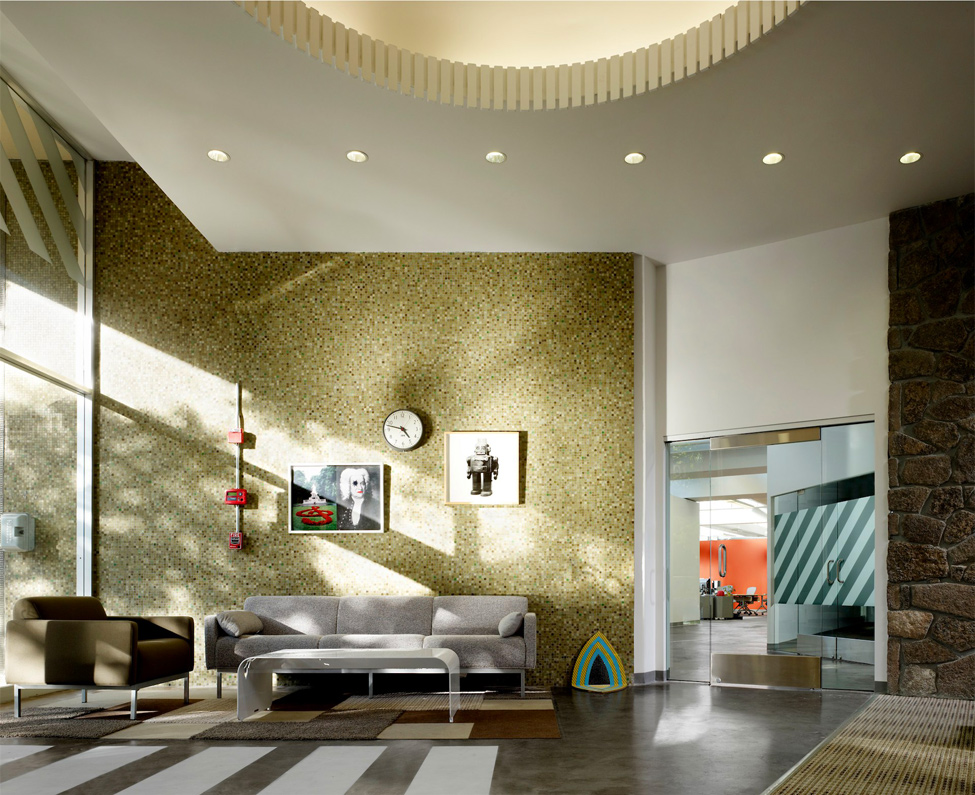
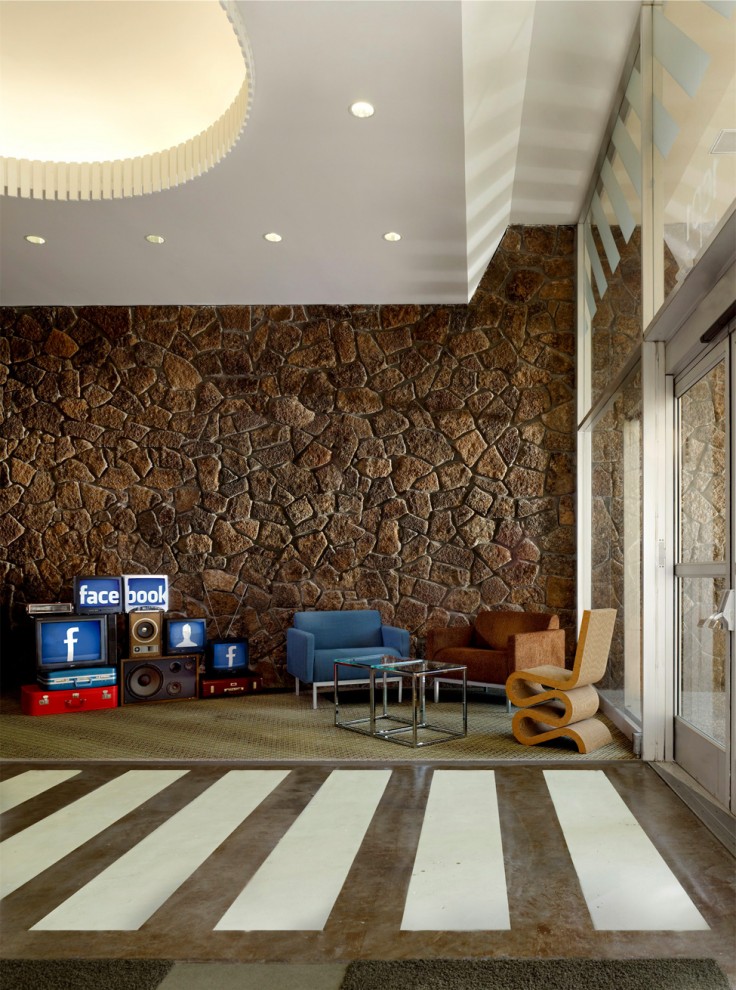
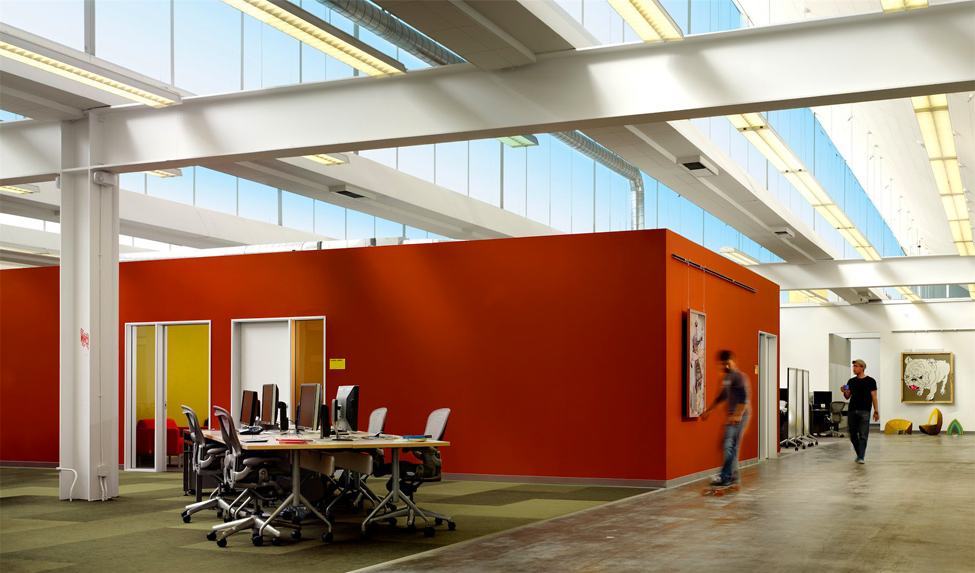
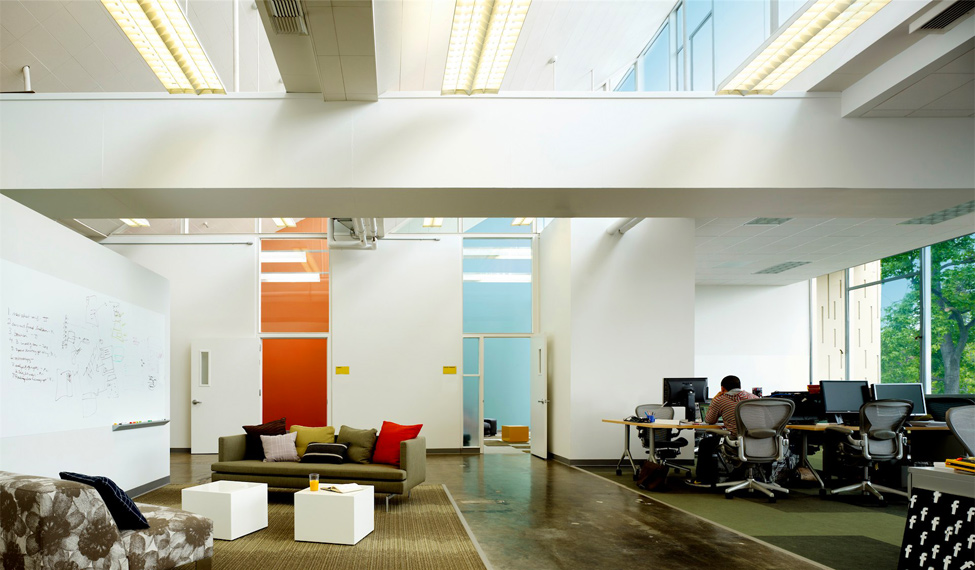
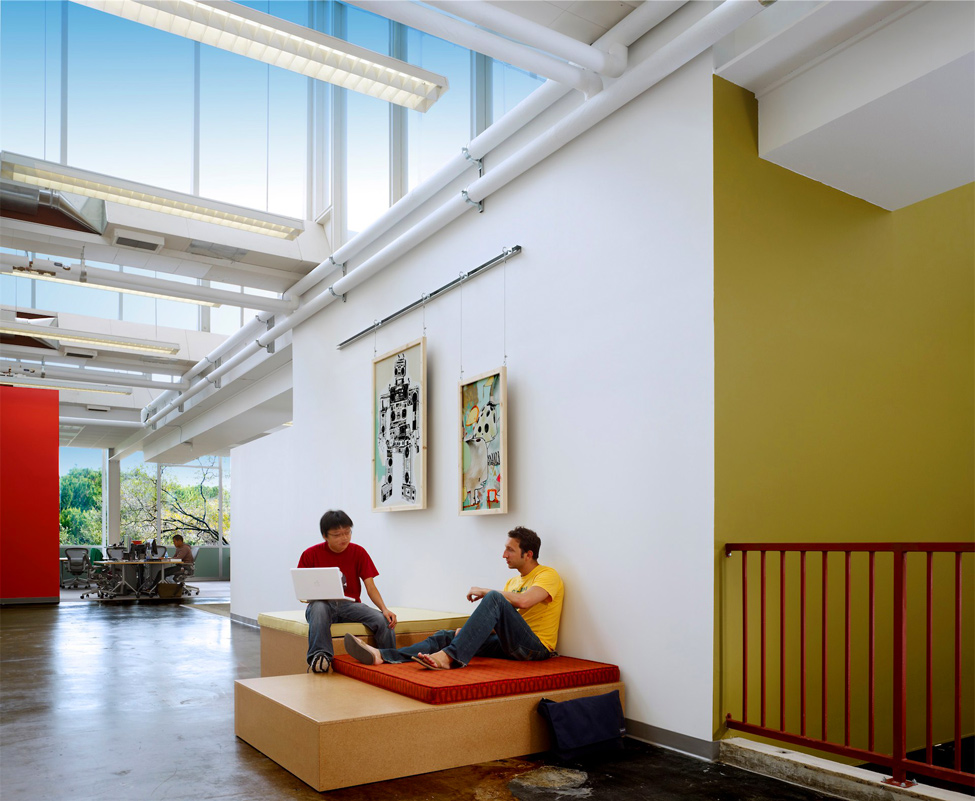
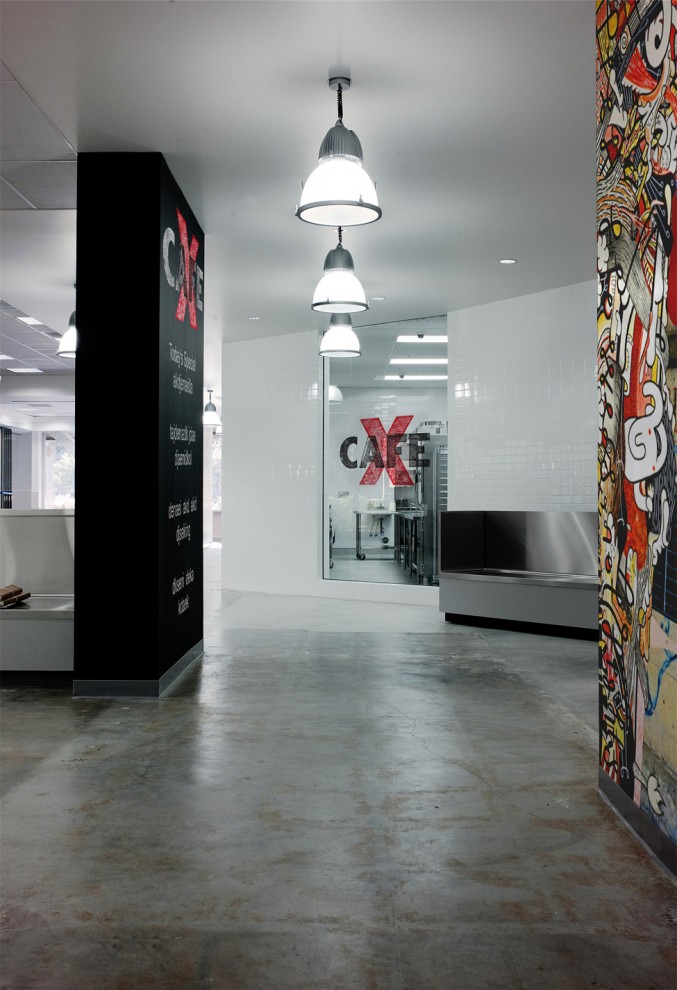
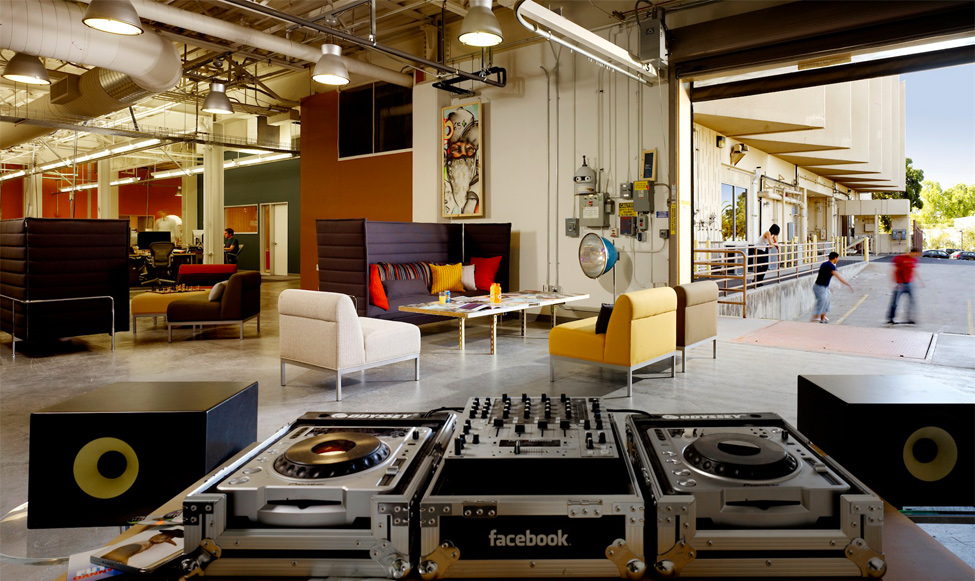
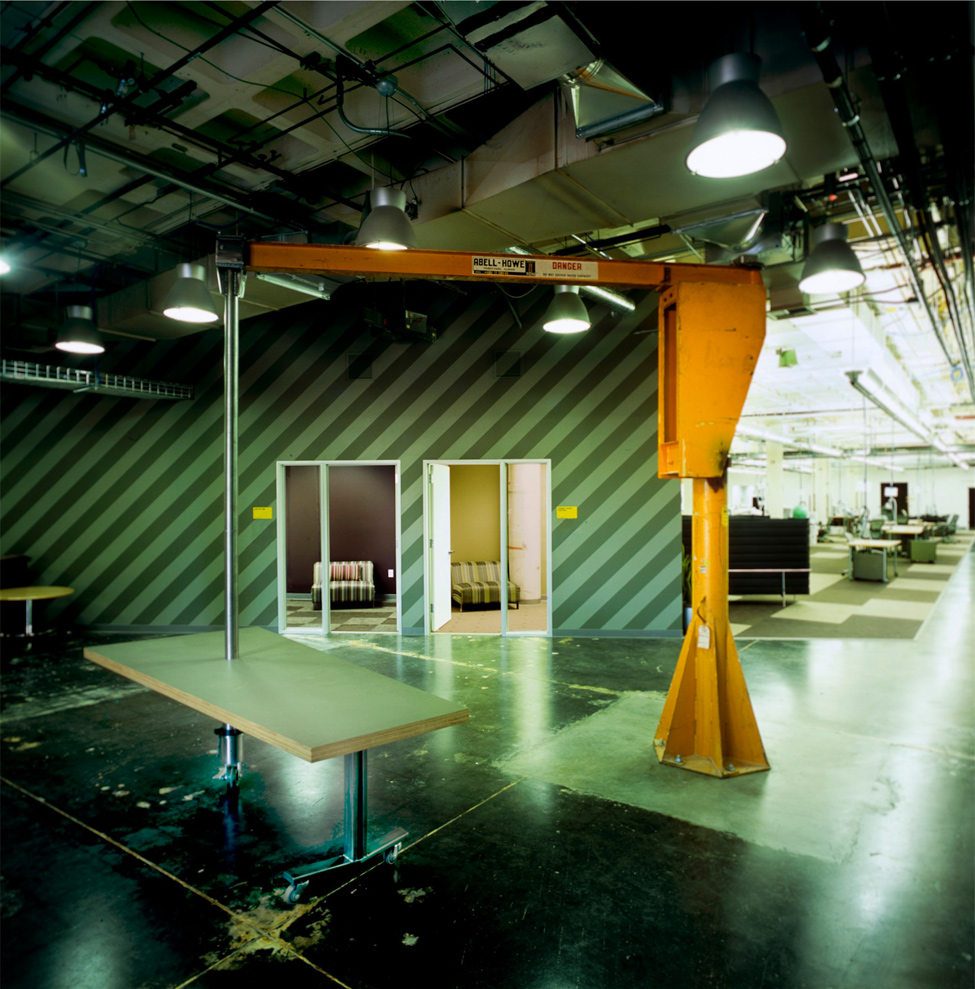
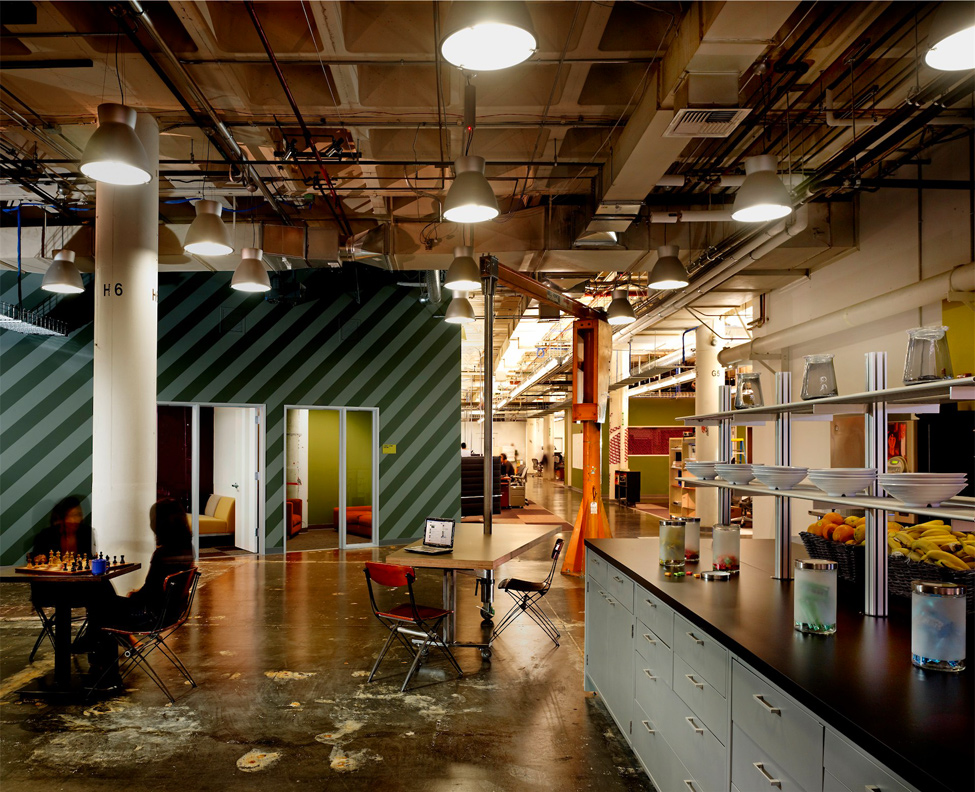
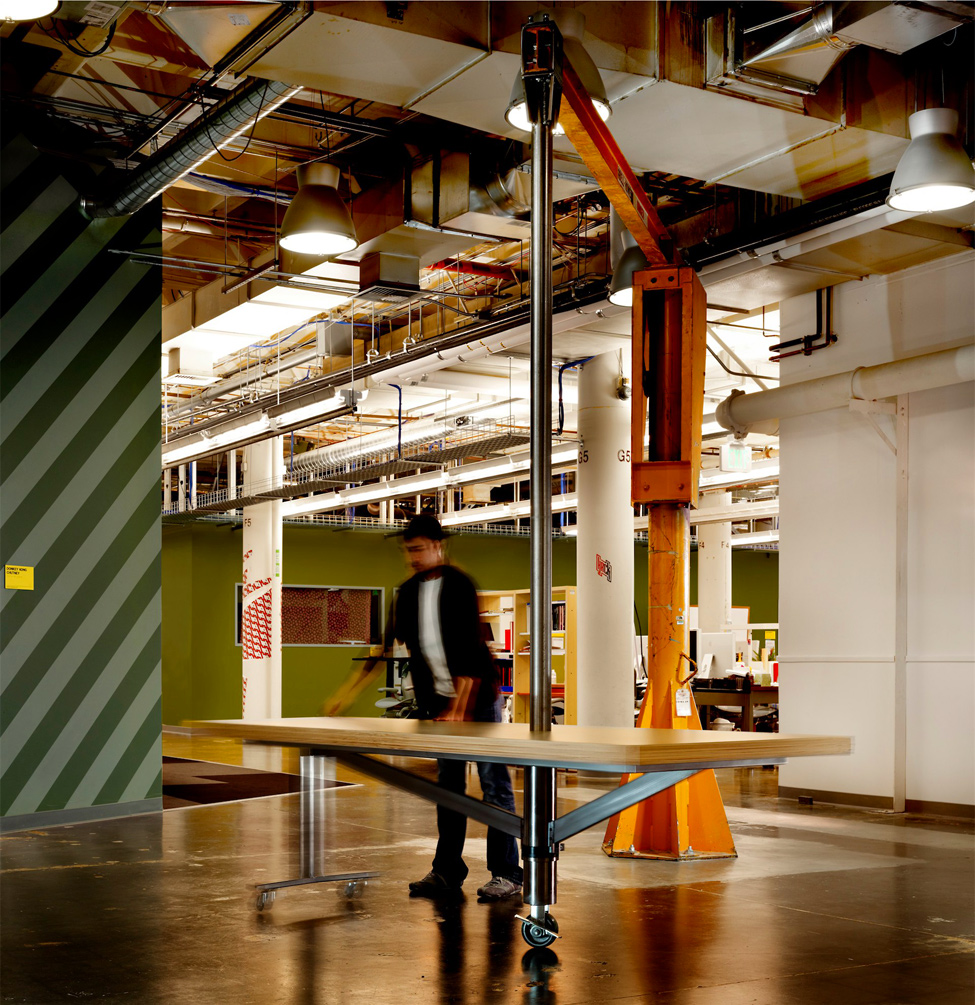
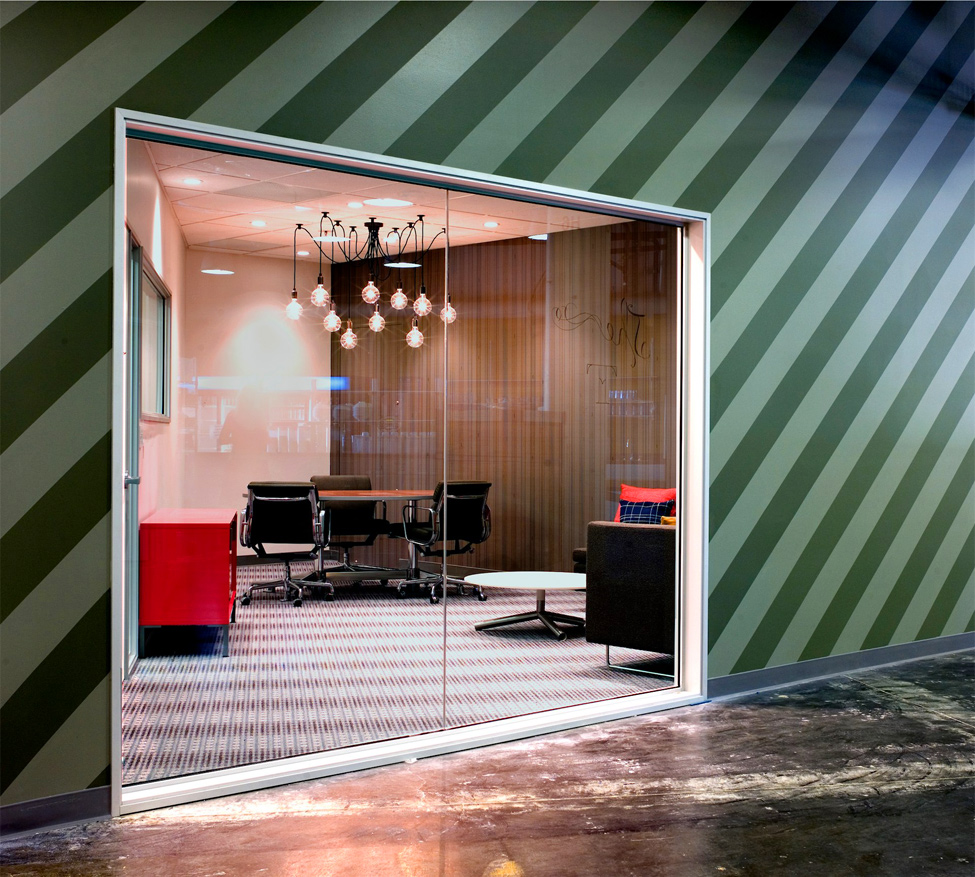
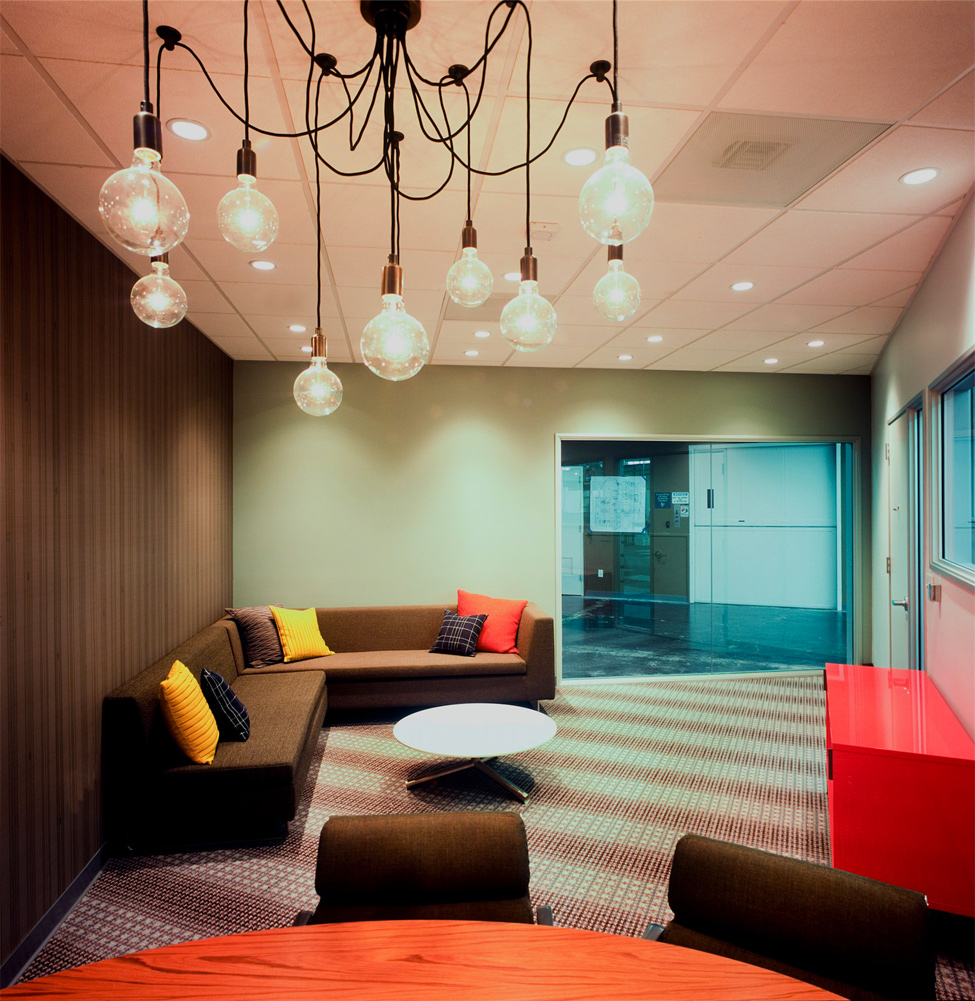
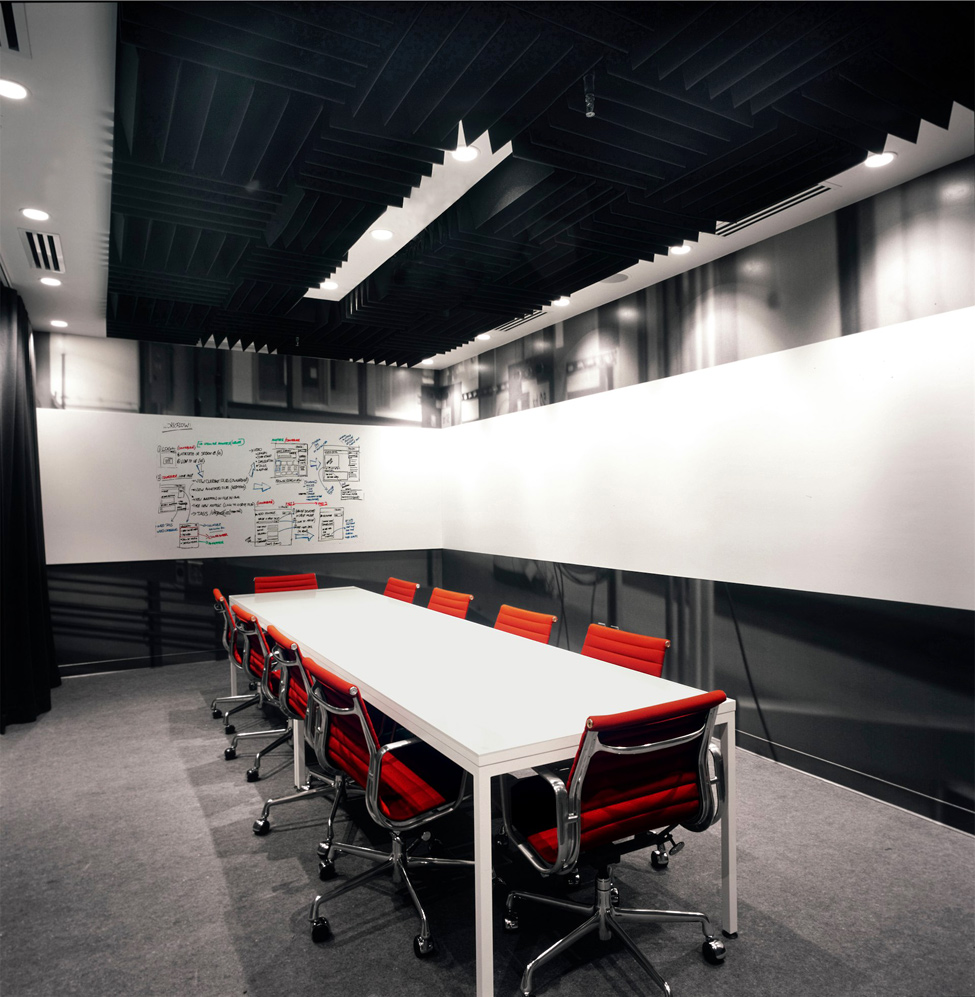
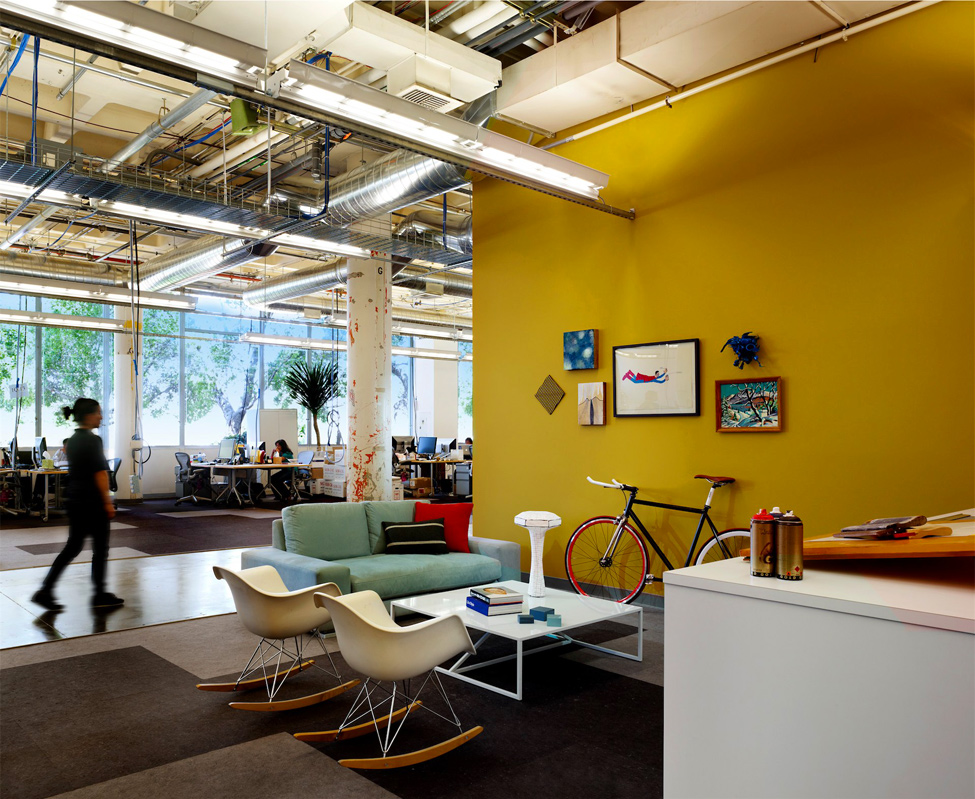
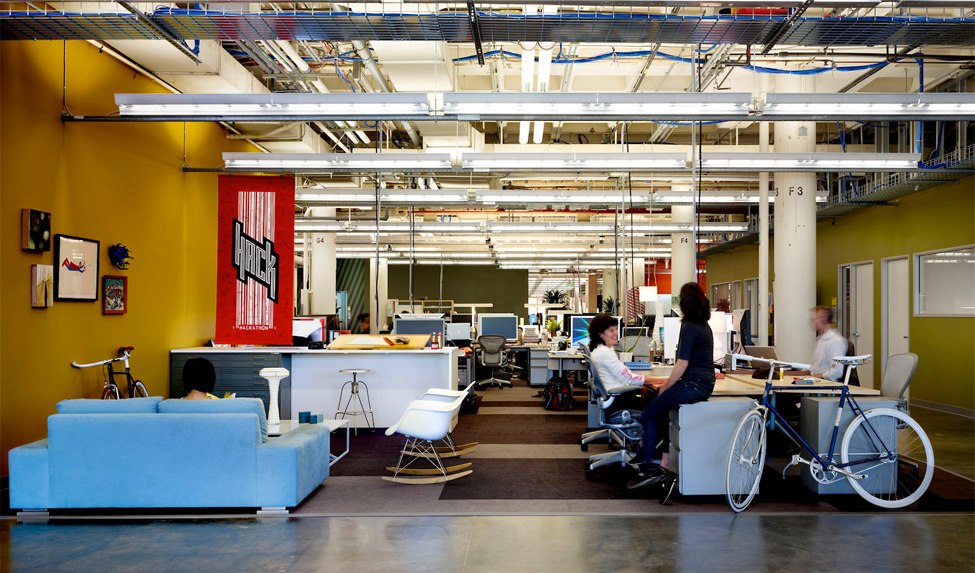
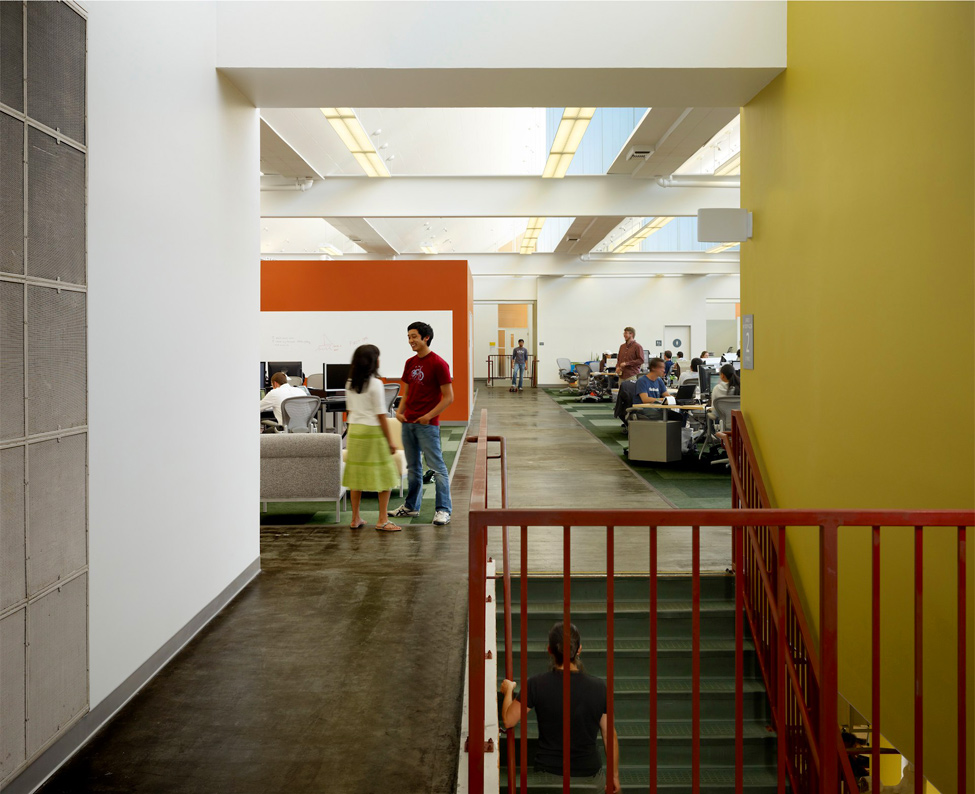
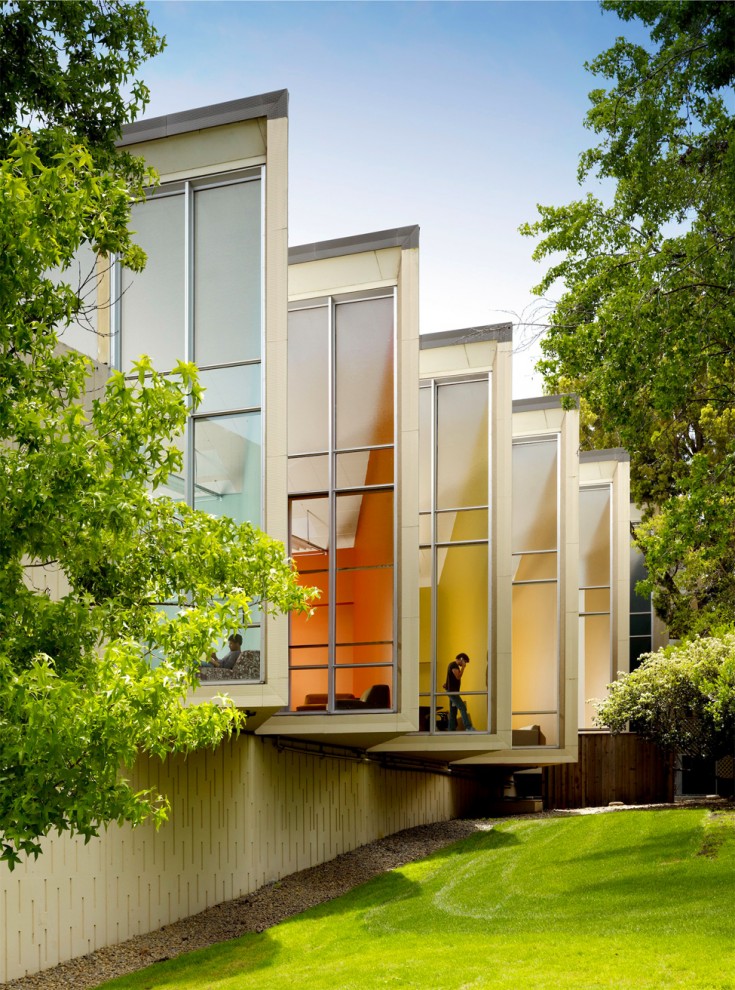
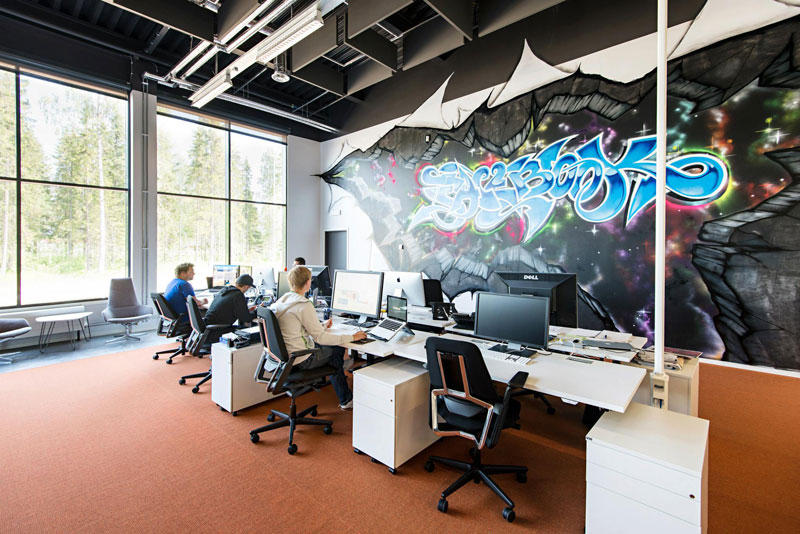
Well, let's look at the world class Information and Technology company, Facebook, that serves millions of people globally. But their Head office is so common like any other office.


Head Office of Facebook is in Palo Alto, California. 

1309 Head office of Facebook
We can see that their office is not sophisticated but very common.

1309 Head office of Facebook
1.
2247 Head office of Facebook
2. 
3198 Head office of Facebook
3. 
4163 Head office of Facebook
4. 
5143 Head office of Facebook
5. 
6135 Head office of Facebook
6.
7133 Head office of Facebook
7. 
8120 Head office of Facebook
8. .
9104 Head office of Facebook
9. .
1097 Head office of Facebook
10.
11129 Head office of Facebook
11.
12107 Head office of Facebook
12.
1385 Head office of Facebook
13.
1482 Head office of Facebook
14.
1578 Head office of Facebook
15. Their office is like any common office, nothing is superb. 
1673 Head office of Facebook
16. The employees has never ware any uniform.
1767 Head office of Facebook

Facebook Data Center

Facebook Data Center


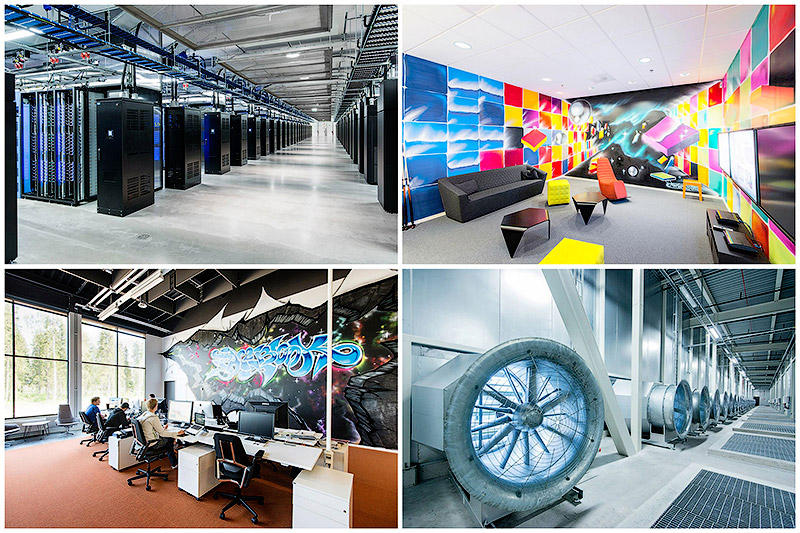
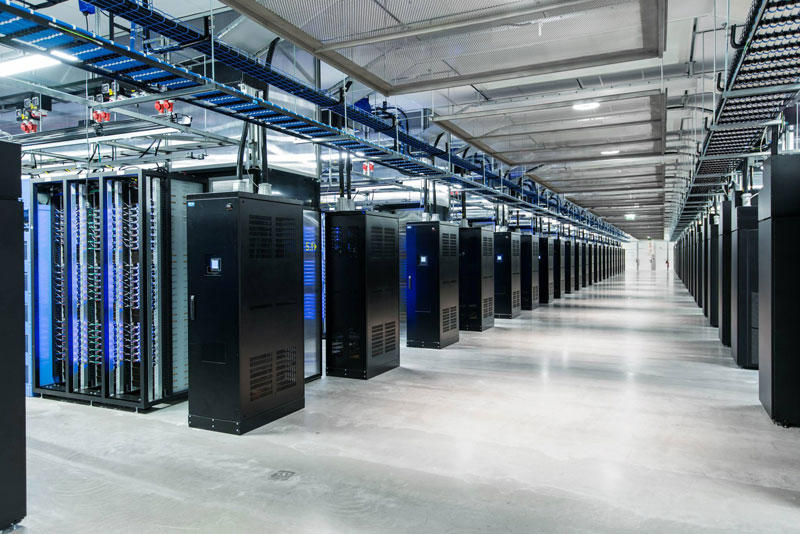
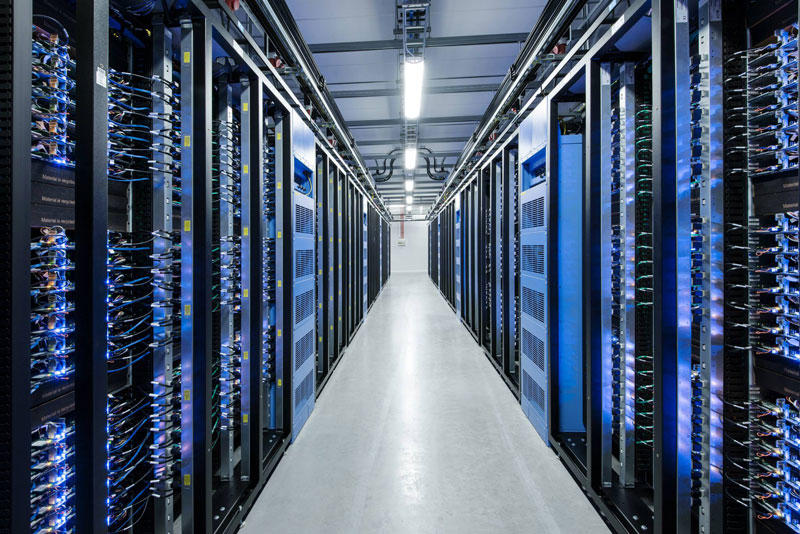
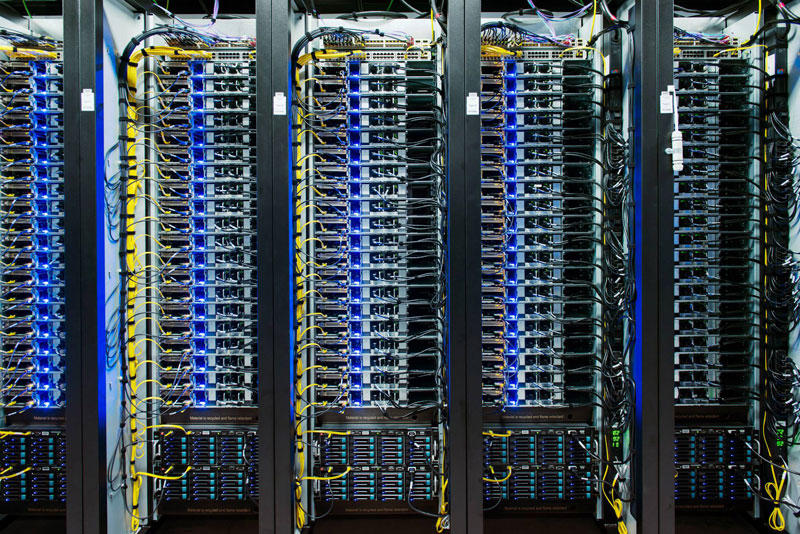
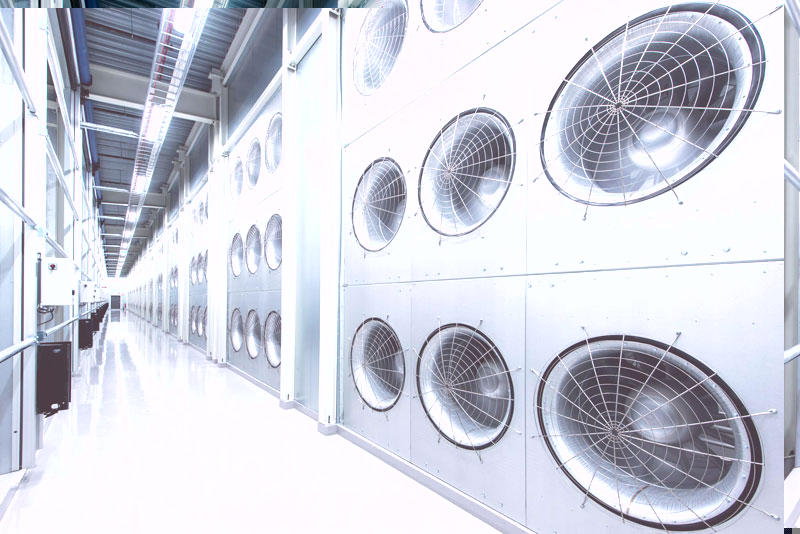
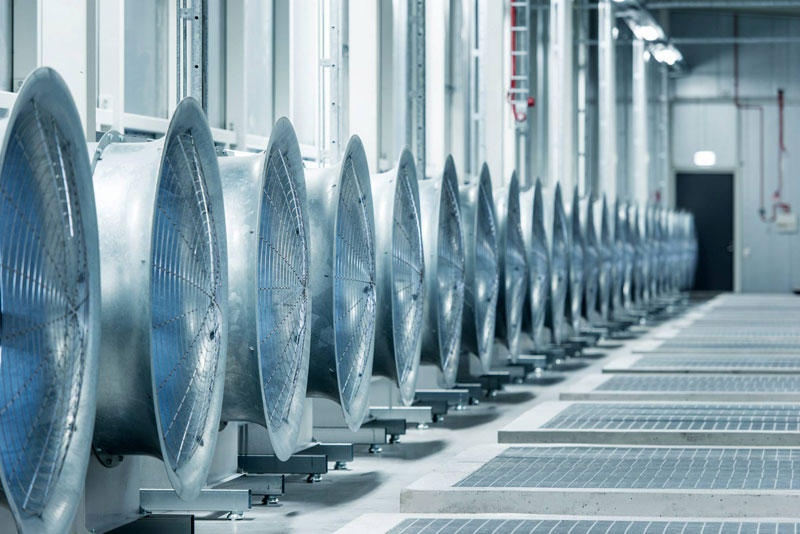
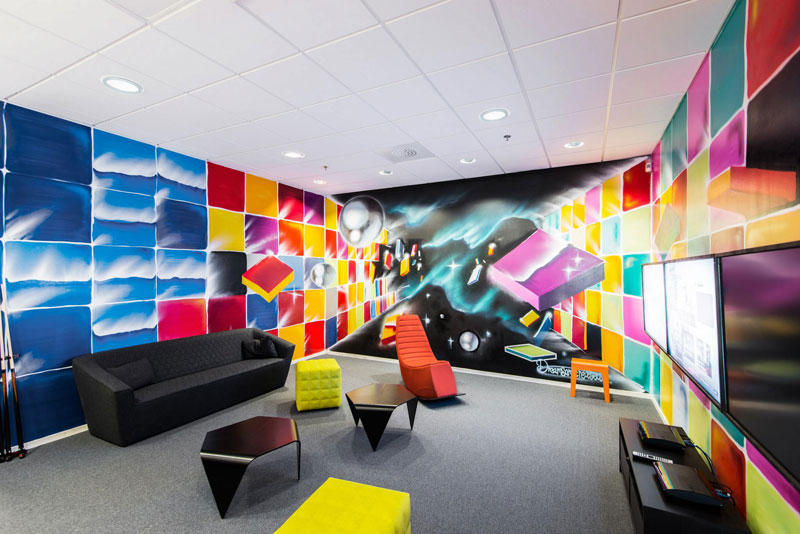
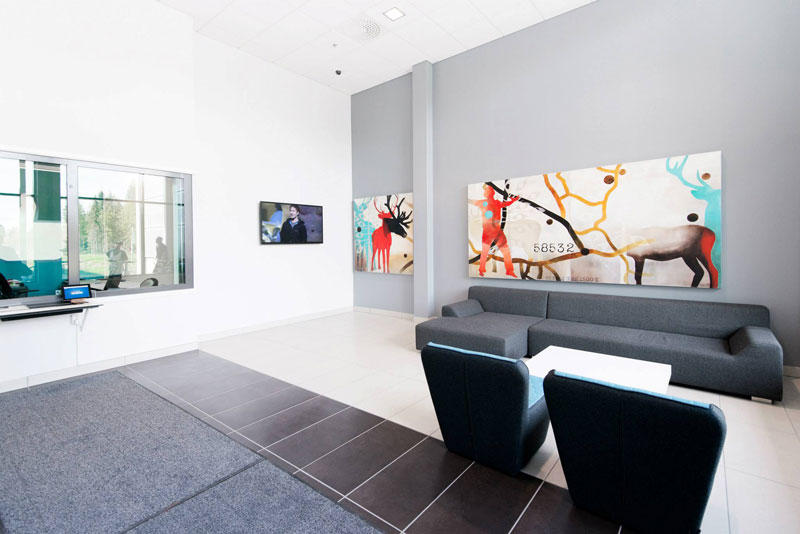
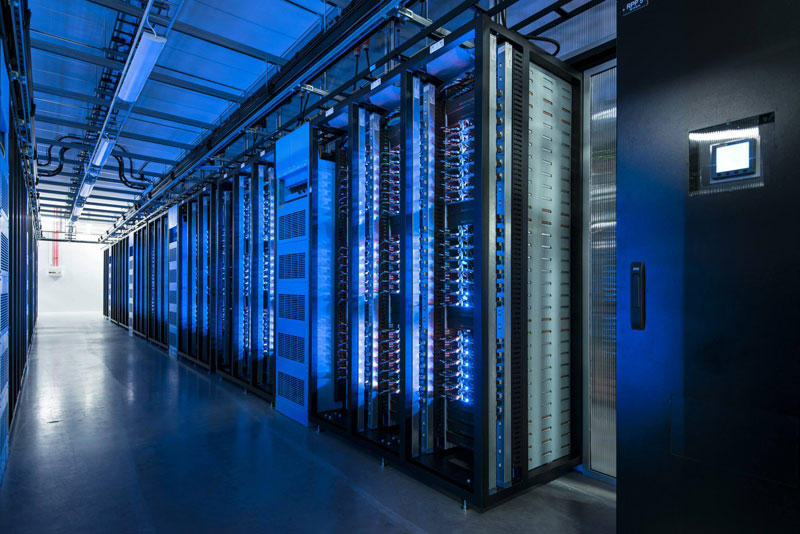
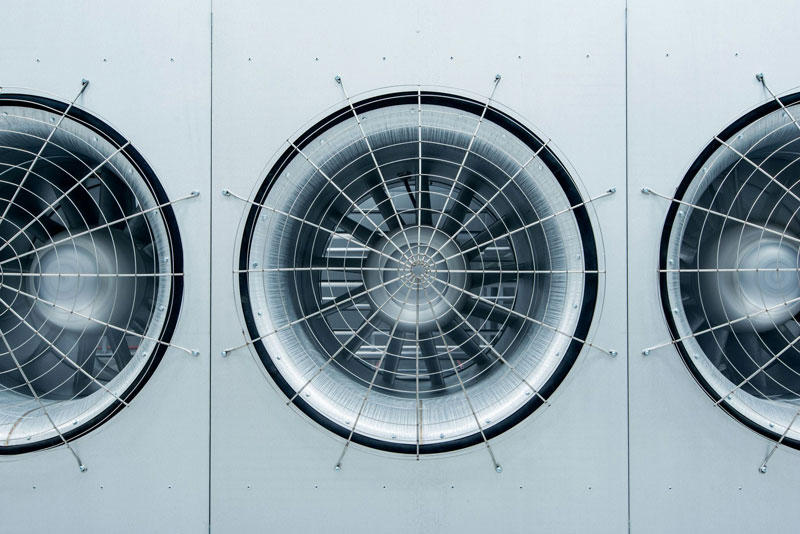
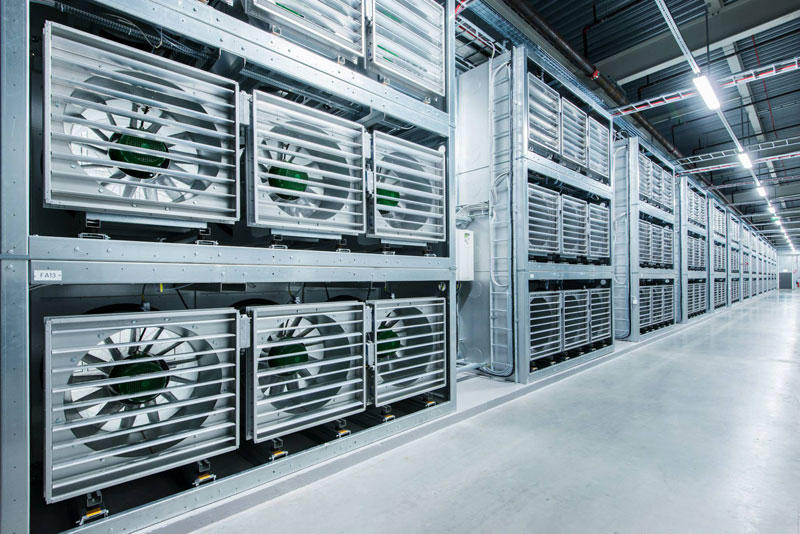
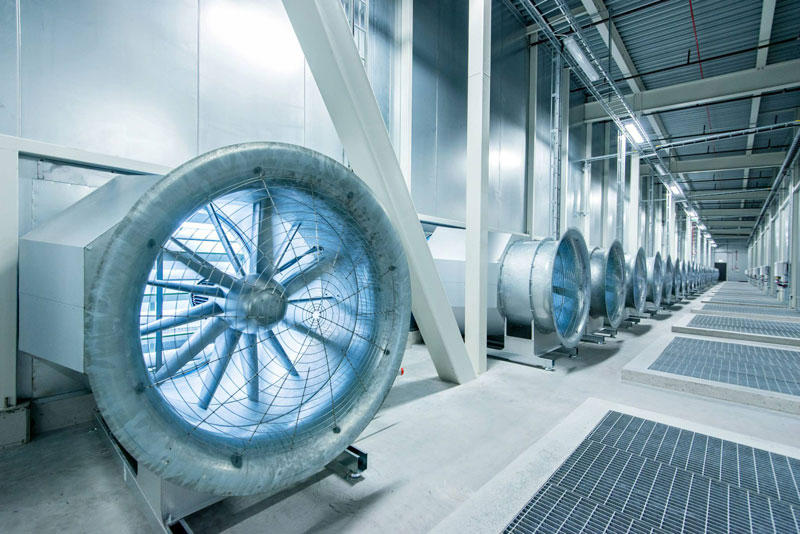
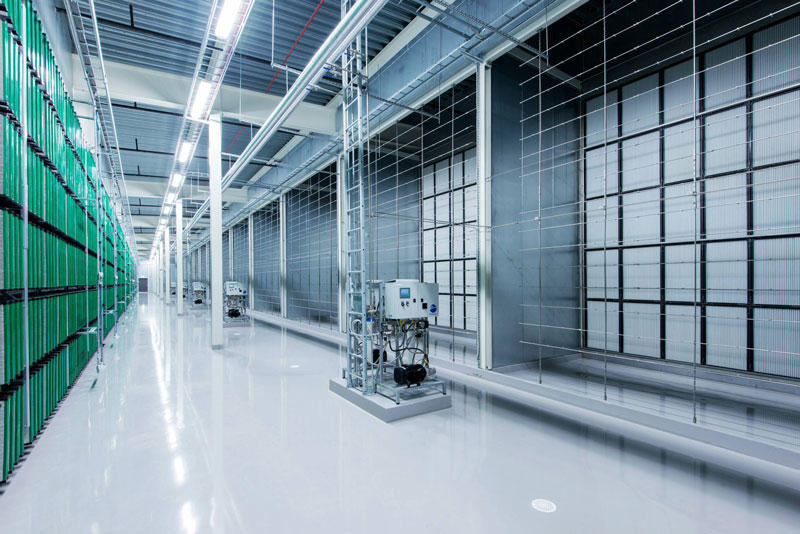
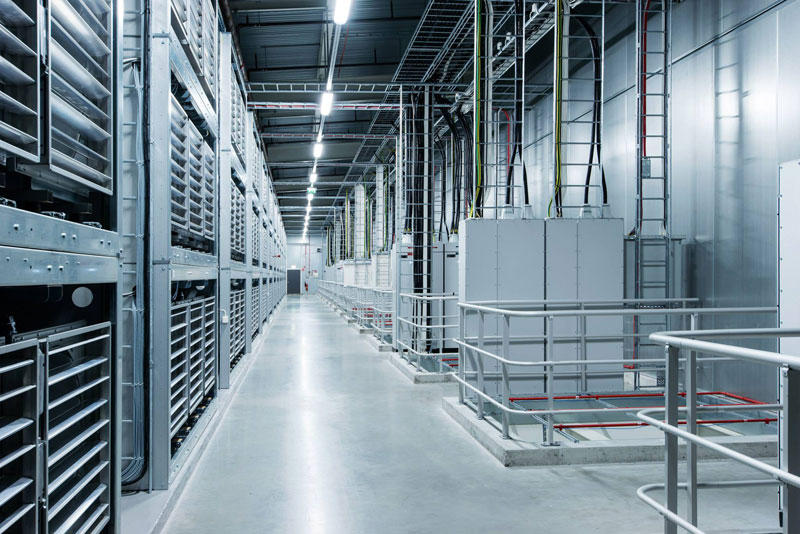
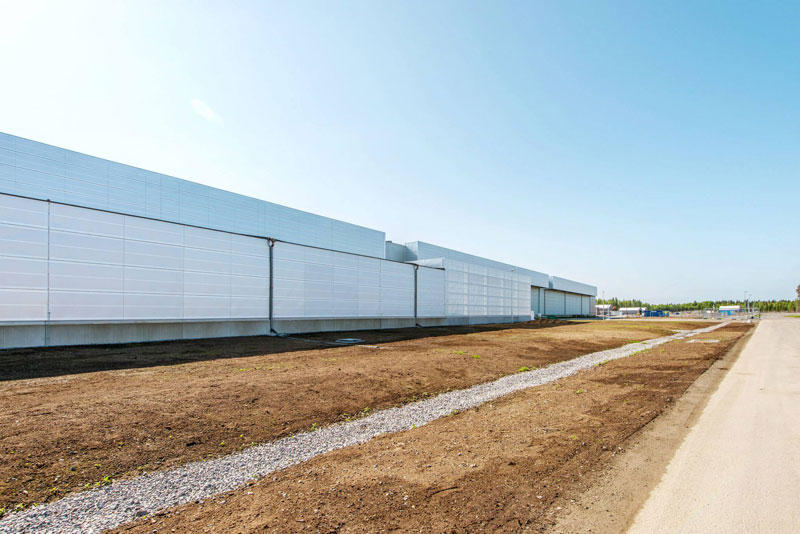
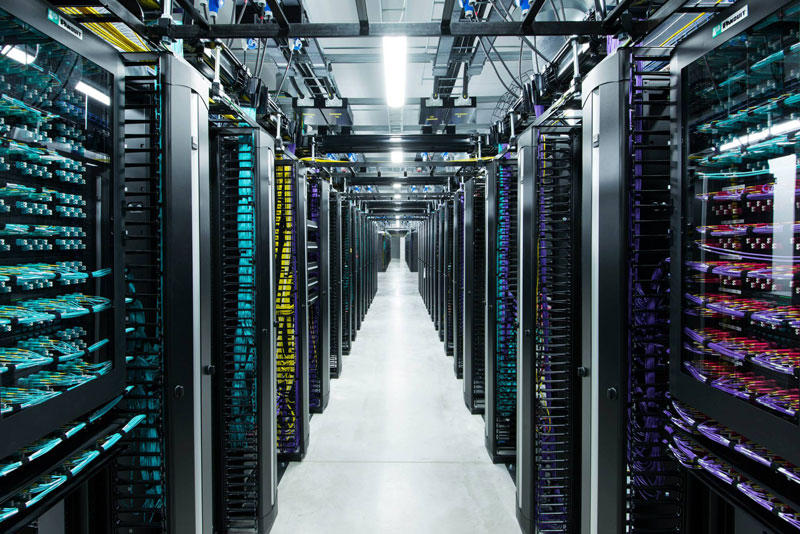
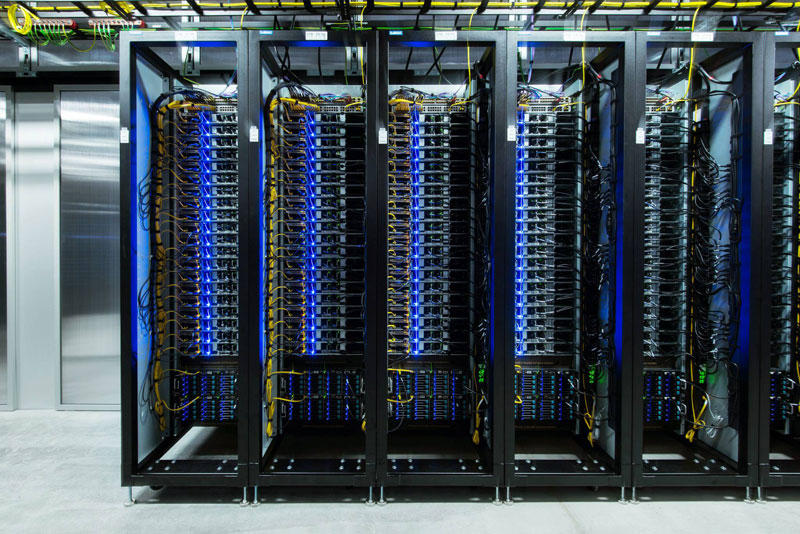
At the edge of the Arctic Circle in Lulea (Sweden) is the newest data center Facebook. The Center handles data about users of social networks around the world. 
ณ ชายขอบของเส้น Arctic Circle  (เขตอากาศหนาวเหนือ ตั้งแต่เส้นอาร์คติค เซอร์เคิล (Arctic Circle) ถึงขั้วโลกเหนือ เขตนี้ได้รับแสงเฉียงจากดวงอาทิตย์ปีละไม่เกิน 6 เดือน เป็นเขตที่มีประชากรอาศัยอยู่เบาบาง)  เมือง Lulea  ประเทศ Sweden เป็นศูนย์ข้อมูลแห่งใหม่ของ Facebook  ศูนย์ข้อมูลแห่งนี้เก็บข้อมูลของผู้ใช้เครือข่ายสังคอมออนไลน์จากทั่วโลก  (น่าจะรวมเด็กนักเรียนของเราด้วยแน่นอน เพราะเด็กเราชอบและใช้ Facebook กันมหึมามหาศาล จนอาจจะเรียกได้ว่า เป็นกิจวัตรประจำวันไปซะแล้ว)

BIGPIC26 Центр обработки данных Facebook возле Полярного круга 

FBDataCenter01 Центр обработки данных Facebook возле Полярного круга
1. Data center in Lulea became the first data center outside of the U.S..
ศูนย์ข้อมูลแห่งนี้ เป็นศูนย์ข้อมูลแห่งแรกของ Facebook นอกประเทศสหรัฐอเมริกา

FBDataCenter02 Центр обработки данных Facebook возле Полярного круга
2.
FBDataCenter03 Центр обработки данных Facebook возле Полярного круга
3. Facebook Guide believe that Lulea is likely to be one of the most efficient and sustainable data centers in the world.
Facebook เชื่อว่า ศูนย์แห่งนี้จะมีทรงสิทธิภาพ และเก็บข้อมูลได้อย่างยั่งยืนสุดๆ

FBDataCenter04 Центр обработки данных Facebook возле Полярного круга
4.
FBDataCenter05 Центр обработки данных Facebook возле Полярного круга
5. All the equipment in the center provides electricity to the local hydroelectric power plant that runs on renewable energy, thus reducing the number of backup generators for more than 70%.
อุปกรณ์ทั้งหมดในศูนย์แห่งนี้ จะใช้ไฟฟ้าจากพลังงานสะอาด คือจากโรงไฟฟ้าพลังน้ำที่อยู่ในท้องถิ่น ซึ่งเป็น renewable energy (พลังงานหมุนเวียน)  จึงสามารถลดจำนวนเครื่องกำเนิดไฟฟ้าสำรอง (backup generators) ได้ถึงร้อยละ 70

FBDataCenter06 Центр обработки данных Facebook возле Полярного круга
6.
FBDataCenter07 Центр обработки данных Facebook возле Полярного круга
7. In addition to the energy of the water, the center is also used by the northern cold air to cool the servers that store photos, videos, comments and "likes." Any excess heat is used to maintain a comfortable temperature in offices. 
นอกจากพลังงานสะอาดที่ได้จากไฟฟ้าพลังน้ำแล้ว  ศูนย์ข้อมูลแห่งนี้ ก็ยังอาศัยอากาศหนาวที่พัดมาจากขั้วโลกเหนือช่วยระบายความร้อนจากเครื่อง Servers (เครื่องแม่ข่าย) ของศูนย์ฯ ที่เก็บรูปภาพ วิดีโอ และ comments และ likes ของผู้ใช้เฟสบุ๊คจากทั่วโลก  และที่สำคัญความร้อนที่เกิดจากการทำงานของระบบเหล่านี้ จะถูกนำไปสร้างความอบอุ่นในสำนักงานอีกด้วย (เพราะอากาศที่โซนนี้หนาวมากนั่นเอง ตามที่กล่าวแล้ว)
FBDataCenter08 Центр обработки данных Facebook возле Полярного круга

8.

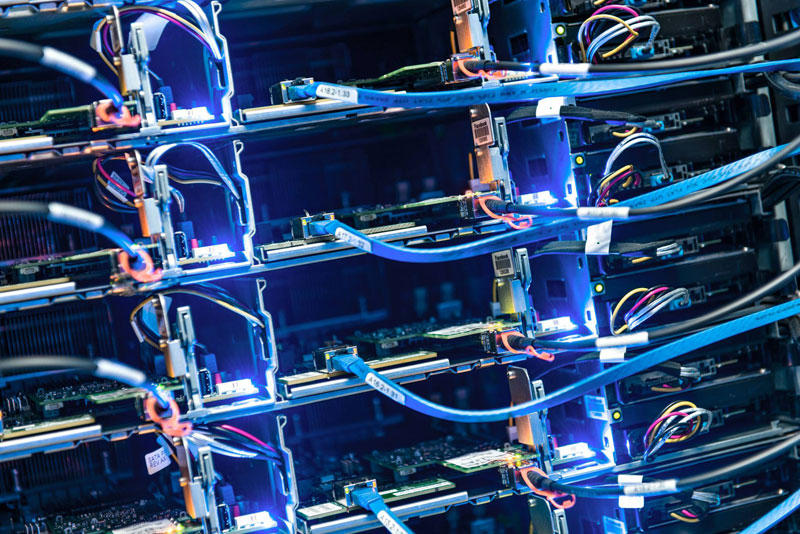
9. Almost all of the technology at the center, from servers to power distribution systems, based on the work of Open Compute Project - community of engineers from around the world, which is engaged in designing storage centers.
FBDataCenter09 Центр обработки данных Facebook возле Полярного круга
เทคโนโลยีของศูนย์ข้อมูลแห่งนี้  ตั้งแต่เครื่องคอมพิวเตอร์แม่ข่าย (servers) ทั้งหลาย ไปจนถึงระบบการกระจายข้อมูล (distribution systems) จะทำงานอยู่บน Open Compute Project ซึ่งเป็นระบบเปิดที่ให้วิศวกรของระบบเฟสบุ๊กจากพื้นที่ต่างๆ ทั่วโลก สามารถเข้ามาใช้งานร่วมกันได้  

FBDataCenter10 Центр обработки данных Facebook возле Полярного круга

10.
FBDataCenter11 Центр обработки данных Facebook возле Полярного круга

11. 


FBDataCenter12 Центр обработки данных Facebook возле Полярного круга

12.
FBDataCenter13 Центр обработки данных Facebook возле Полярного круга

13. 


FBDataCenter14 Центр обработки данных Facebook возле Полярного круга

14.
FBDataCenter15 Центр обработки данных Facebook возле Полярного круга

15. During the first week of work, the coefficient of efficiency of energy consumption in the new center Facebook was 1.07.
ในสัปดาห์แรกของการใช้งาน the coefficient of efficiency of energy (ค่าสัมประสิทธิ์การบริโภคพลังงาน) เท่ากับ 1.07

FBDataCenter16 Центр обработки данных Facebook возле Полярного круга

16.
FBDataCenter17 Центр обработки данных Facebook возле Полярного круга

17.
FBDataCenter18 Центр обработки данных Facebook возле Полярного круга

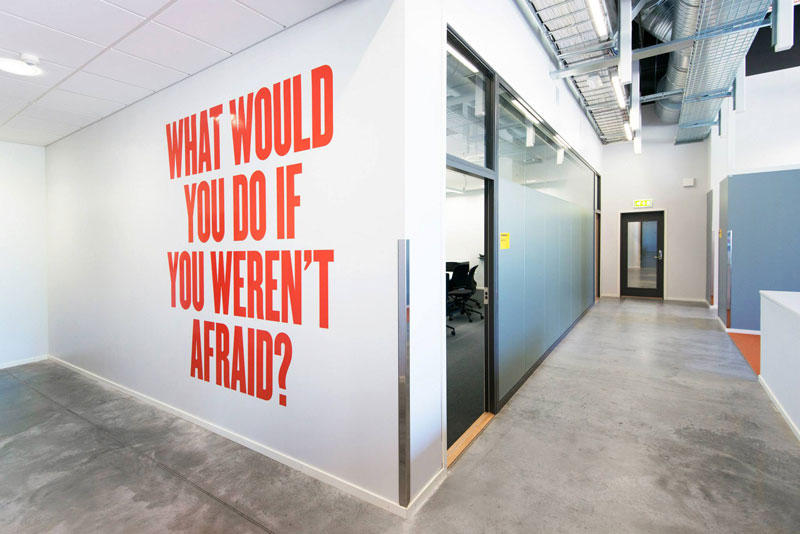
18. The inscription on the wall of the center: "What would you do if you have nothing to be afraid of?"
คำจารึกที่ผนังกำแพงของศูนย์ "คุณจะทำอะไรดีเอ่ย ถ้าไม่มีอะไรที่ทำให้คุณกลัว?"

FBDataCenter19 Центр обработки данных Facebook возле Полярного круга
19.
FBDataCenter20 Центр обработки данных Facebook возле Полярного круга

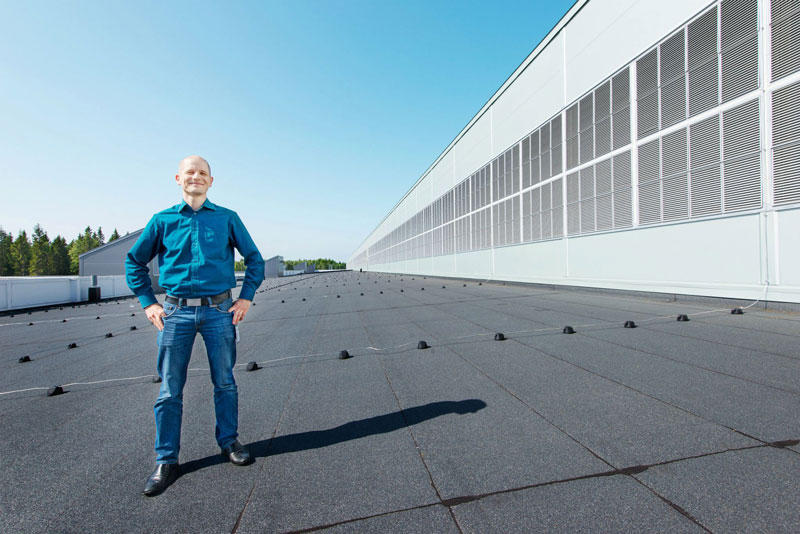
20. Center Manager - Joel Kelgren.  ผู้จัดการศูน